Easily save Slack messages to your team wiki with Slack Message Shortcuts
Kipwise’s goal is to build a knowledge management tool that is integrated with your daily workflow, so saving and retrieving knowledge will feel so natural and simple that even the busiest person in the team can help build up your Slack wiki with minimal effort. And we are constantly launching new features to help you save and search for company knowledge more efficiently.
Turn a Slack message into your Slack wiki using Slack Action
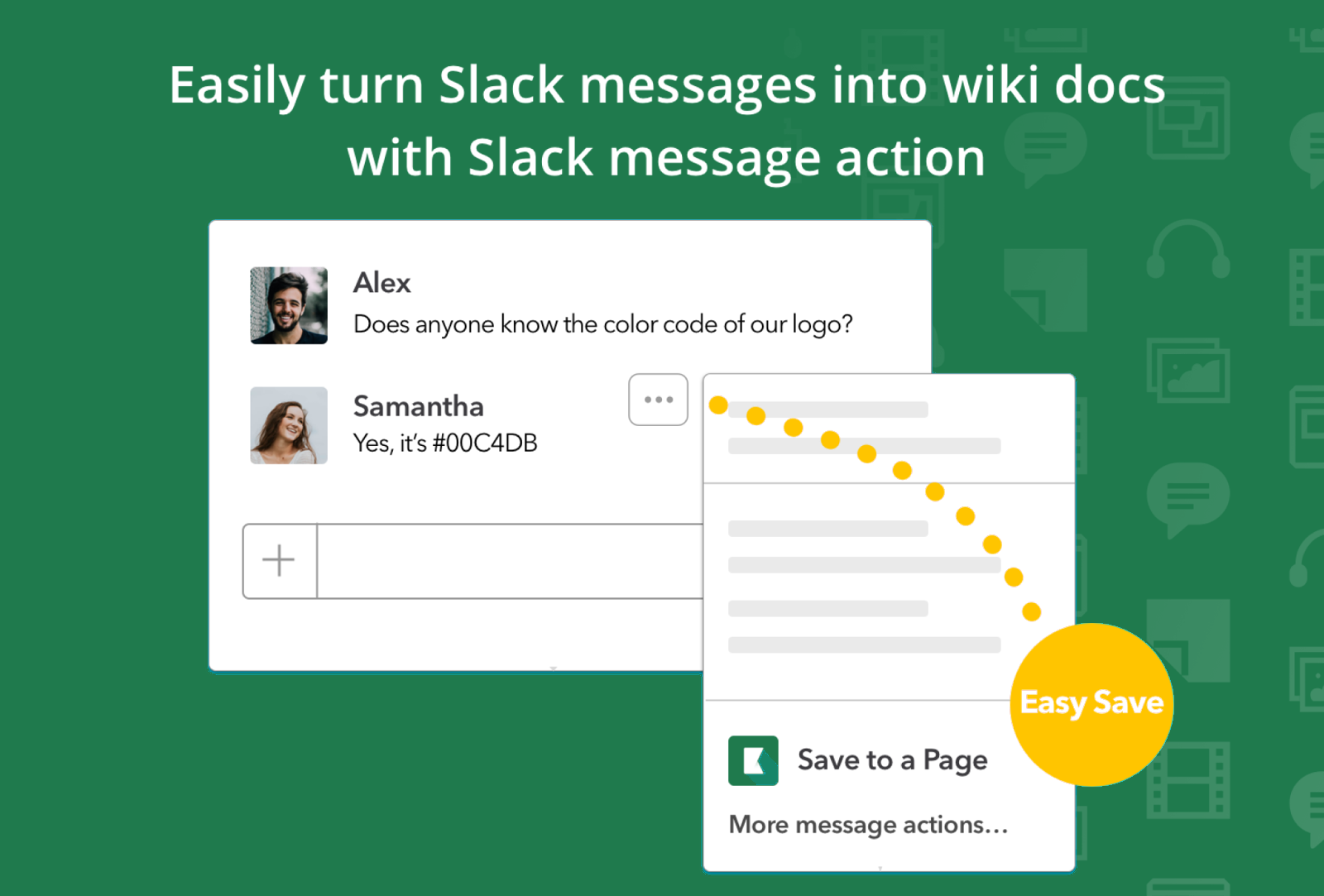
Our Slack Action support turns a Slack message into a Kipwise Page directly in Slack, so you can save a Slack message for later instead of losing it in the scroll. For example, you just finished a team meeting and your colleague typed a quick summary in Slack? Or a CS rep asked a product question in Slack and your product manager answered? Clip those important messages to Kipwise with just a few clicks! This way, you can easily find them back in the future (did I mention you can 📁 categorize the saved messages into folders and they are 🔍 searchable directly in Slack using a simple search command?)
How it works?

- For the message that you want to save to Kipwise, simply click on the More Actions button and select Save to a Page by Kipwise
- A dialogue will appear with the Slack message prefilled under Content. Choose the Folder, enter a Title and the content will be saved as a Kipwise Page!
- You can quickly edit the saved message afterward using our real time collaborative page editor
One habit worth building early: trim the message before you save it. A raw Slack thread carries @mentions, emoji reactions, and side comments that make sense in the moment but read as noise a month later. Cut it down to the decision or the answer itself, and the page holds up as reference material instead of a chat transcript nobody wants to scroll through.
In the future, you can retrieve the page either by searching on our web platform or directly in Slack using the command /kipwise search [keyword]. It’s just that simple to build up your team wiki so your teammates can find information much quicker and reduce the number of repeated questions in your team!