AI for Small Business: 15 Best AI Tools for Startups

AI for small business comes down to time. A startup or small business runs on a small team, so every hour a tool saves goes straight back into building the product or talking to customers. The AI for business tools below take routine work off that team in five areas: marketing, sales, support, knowledge management, and task tracking.
This post covers 15 AI software picks for startups and small businesses: what each one does, its standout AI feature, and why it fits a small team rather than an enterprise buyer.
Factors to consider when choosing AI tools for your small business
Run through these ten checks, in order, before you pay for an AI tool for your startup or small business:
1. Identify Your Needs
- Assess Business Goals: Determine what specific challenges you want to address (e.g., marketing, customer service, operations).
- Define Use Cases: List the tasks you want to automate or improve with AI.
2. Research Available Tools
- Explore Options: Look for AI tools that cater to your identified needs. Use online reviews, industry blogs, and comparison websites.
- Check Features: Evaluate the features of each tool to ensure they align with your requirements.
3. Consider Budget
- Evaluate Costs: Analyze the pricing models (subscription, one-time fee, pay-per-use) of the tools.
- Look for ROI: Consider the potential return on investment based on the tool’s impact on efficiency and productivity.
4. Evaluate Usability
- User-Friendly Interface: Choose tools that are easy to use, reducing the time required for training and ensuring a higher adoption rate among team members.
- Training and Support: Check if the provider offers training resources and customer support.
5. Assess Integration Capabilities
- Compatibility: Ensure the AI tool can integrate smoothly with your existing systems (CRM, project management, etc.).
- APIs and Plugins: Look for tools that offer APIs or plugins for easier integration.
6. Check Scalability
- Future Growth: Choose tools that can scale with your business as it grows, allowing for additional features or user capacity.
7. Read Reviews and Testimonials
- User Feedback: Look for reviews from similar businesses to gauge satisfaction and effectiveness.
- Case Studies: Explore case studies that demonstrate the tool’s impact on companies in your industry.
8. Trial Period
- Take Advantage of Free Trials: Many AI tools offer free trials. Use this opportunity to test the tool’s functionality and fit for your business.
- Gather Team Feedback: Involve your team in the trial to get their insights on usability and effectiveness.
9. Make an Informed Decision
- Compare Options: After thorough research and testing, compare your top choices based on features, pricing, and feedback.
- Select the Best Fit: Choose the tool that best meets your needs while offering the best value.
10. Review and Iterate
- Monitor Performance: After implementation, regularly assess the tool’s performance and its impact on your business.
- Be Open to Change: Stay updated on new tools and technologies, and be willing to pivot if a better solution arises.
If a tool fails the first check, because you cannot name a task it will take over, stop there: good reviews and a free trial will not make it useful.
Best AI Tools for Startups: Marketing
1. HubSpot
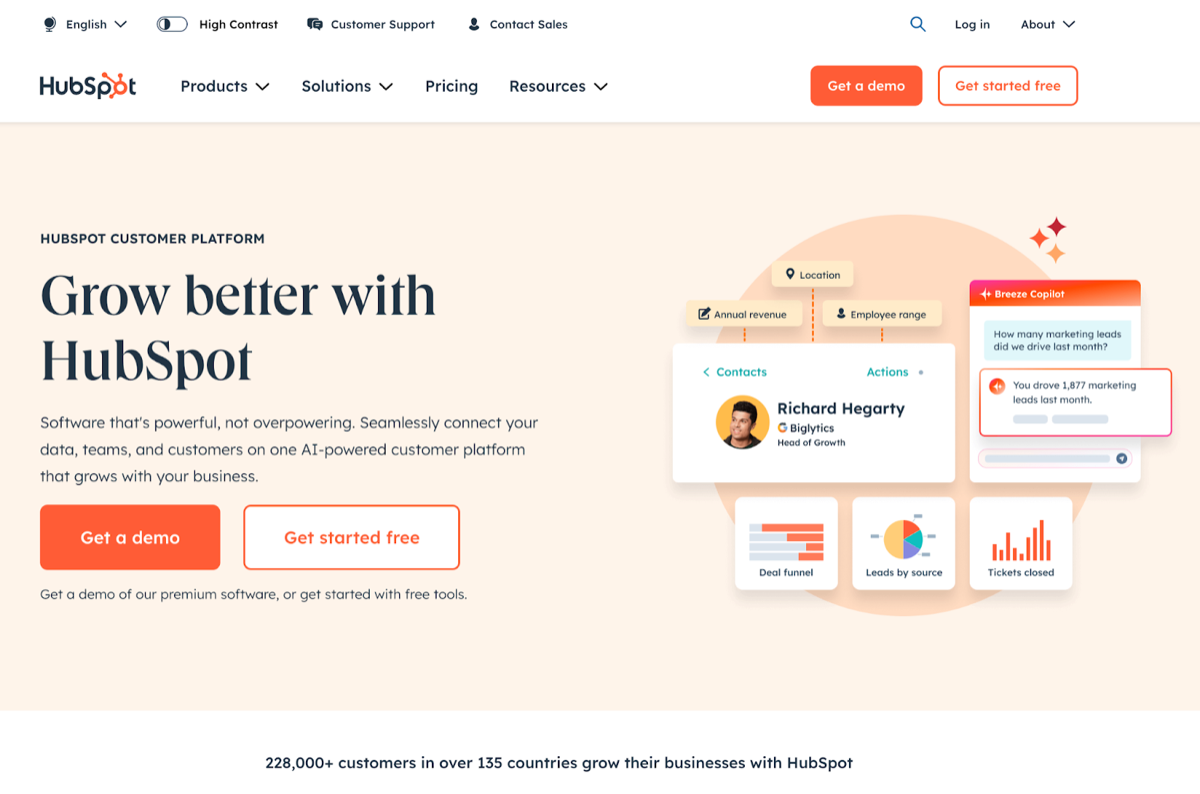
HubSpot is an inbound marketing platform that puts marketing automation, a CRM, and analytics in one place.
Top AI-Powered Features:
- Lead Scoring: Uses AI to analyze customer data and predict which leads are most likely to convert.
- Content Strategy: Recommendations for content topics based on relevance, competition, and popularity.
- Email Personalization: Automatically tailors email content based on user behavior and preferences.
Why It’s Suitable for Startups
HubSpot offers a free tier (as of September 2026), so a startup can begin without a marketing software budget. The interface is easy to pick up, and its educational resources let a small team run its own marketing without hiring a specialist.
2. Canva
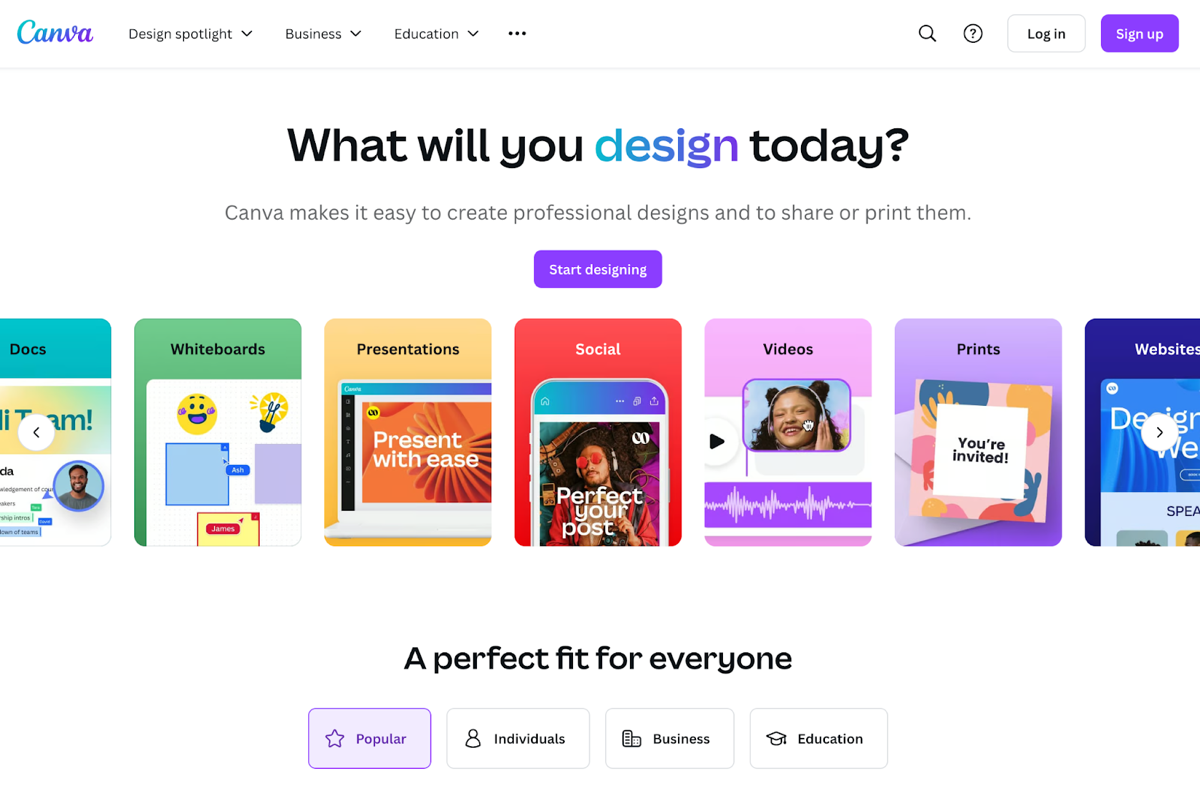
Canva is a graphic design tool that uses AI to help people who are not designers make good-looking marketing materials quickly.
Top AI-Powered Features:
- Magic Switch (formerly Magic Resize): Automatically adjusts design dimensions for different platforms, saving time and ensuring consistency.
- Design Suggestions: Magic Design recommends layouts that match your theme and style, based on the images, text, or ideas you provide.
- Text-to-Image Generation: Create visuals directly from text prompts, enhancing creative possibilities.
Why It’s Suitable for Startups
Canva’s simple interface and large template library let a startup produce polished marketing materials without a dedicated design team. It is also cheap to start with: the free version covers the basic design tools.
3. Jasper
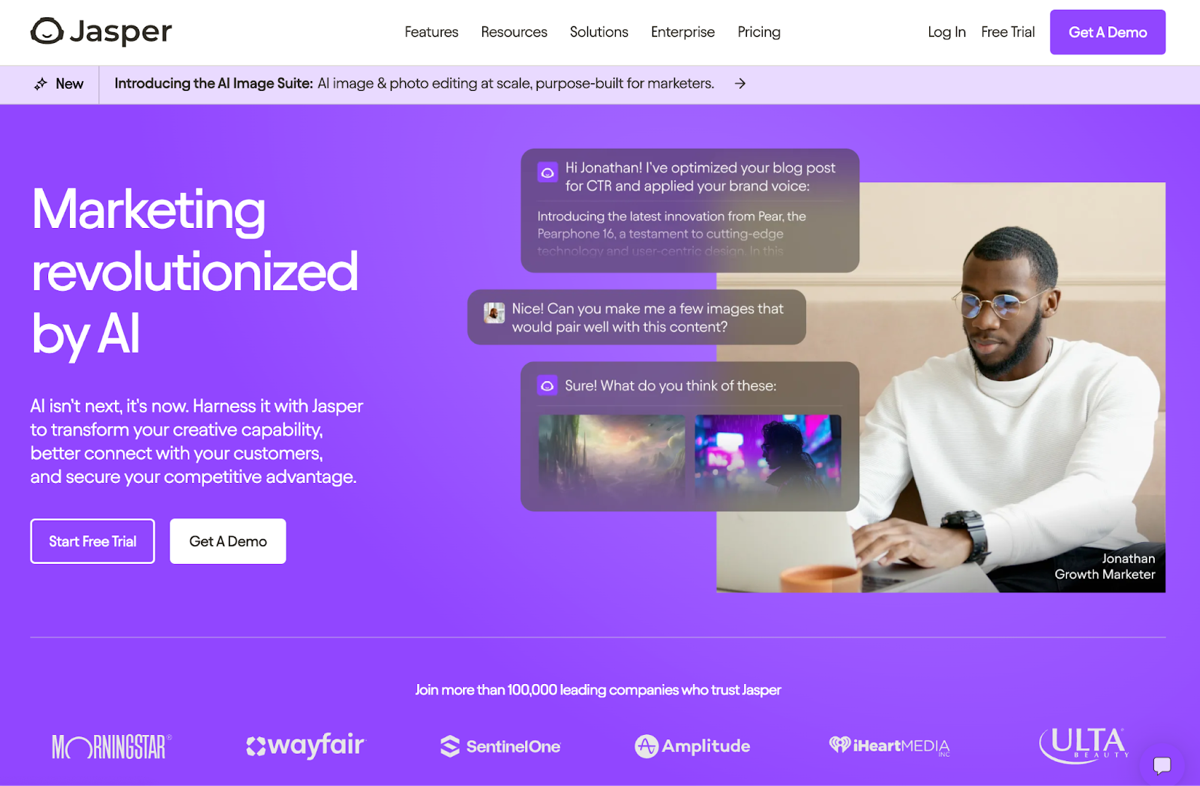
Jasper is an AI-powered copywriting assistant that helps startups generate high-quality written content quickly, from blog posts to social media updates.
Top AI-Powered Features:
- Content Generation: Produces articles, marketing copy, and ad content based on user inputs and preferences.
- SEO Optimization: Suggests keywords and structures content to enhance search engine visibility.
- Tone and Style Adjustments: Adapts writing style to match brand voice and target audience needs.
Why It’s Suitable for Startups
Jasper lets a startup publish more content without hiring a content team to write it. Its tone and style settings keep that content in one brand voice, which matters while the brand is still taking shape.
Best AI Tools for Startups: Sales
4. Salesforce Einstein
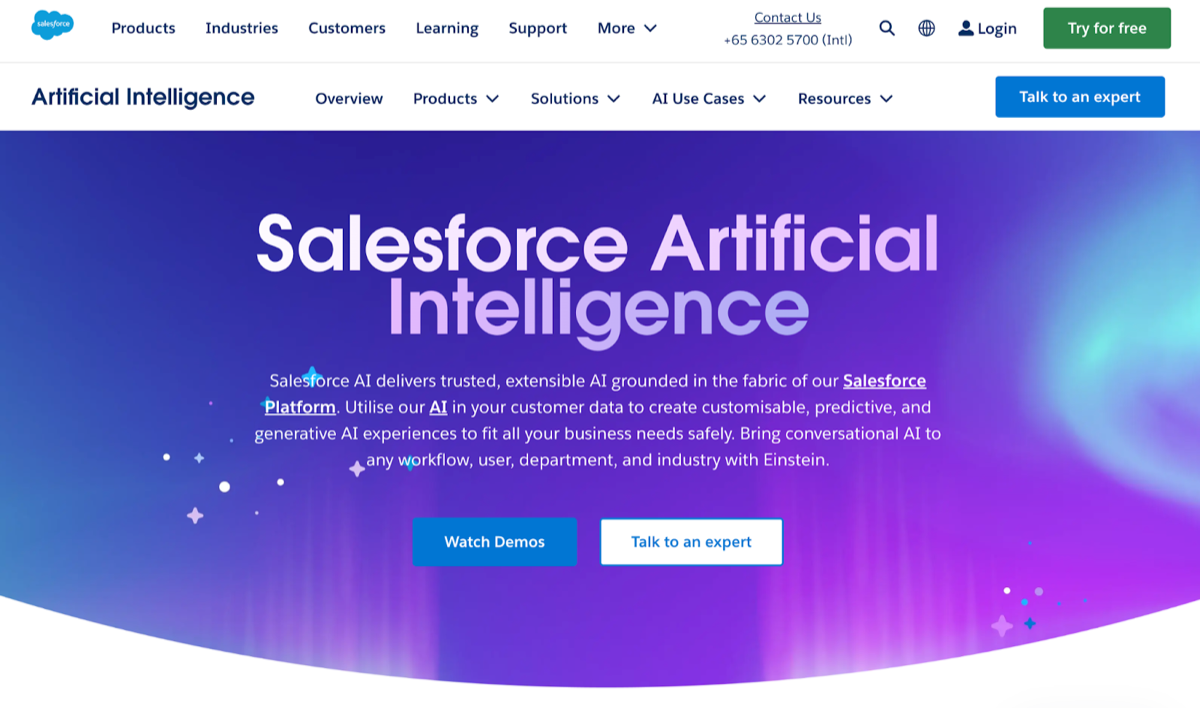
Salesforce Einstein is the AI layer of the Salesforce CRM platform: it scores leads, logs customer interactions, and suggests next steps on deals.
Top AI-Powered Features:
- Predictive Lead Scoring: Uses AI to analyze past interactions and predict which leads are most likely to convert.
- Automated Data Entry: Automatically captures and logs customer interactions, reducing manual input and errors.
- Deal Insights: Provides recommendations on the best actions to take for closing deals based on historical data.
Why It’s Suitable for Startups
Einstein only helps if your pipeline lives in Salesforce, so it suits a startup that already uses Salesforce or expects to grow into it. There, its automation lets a small sales team handle more deals without extra hires.
5. HubSpot Sales Hub
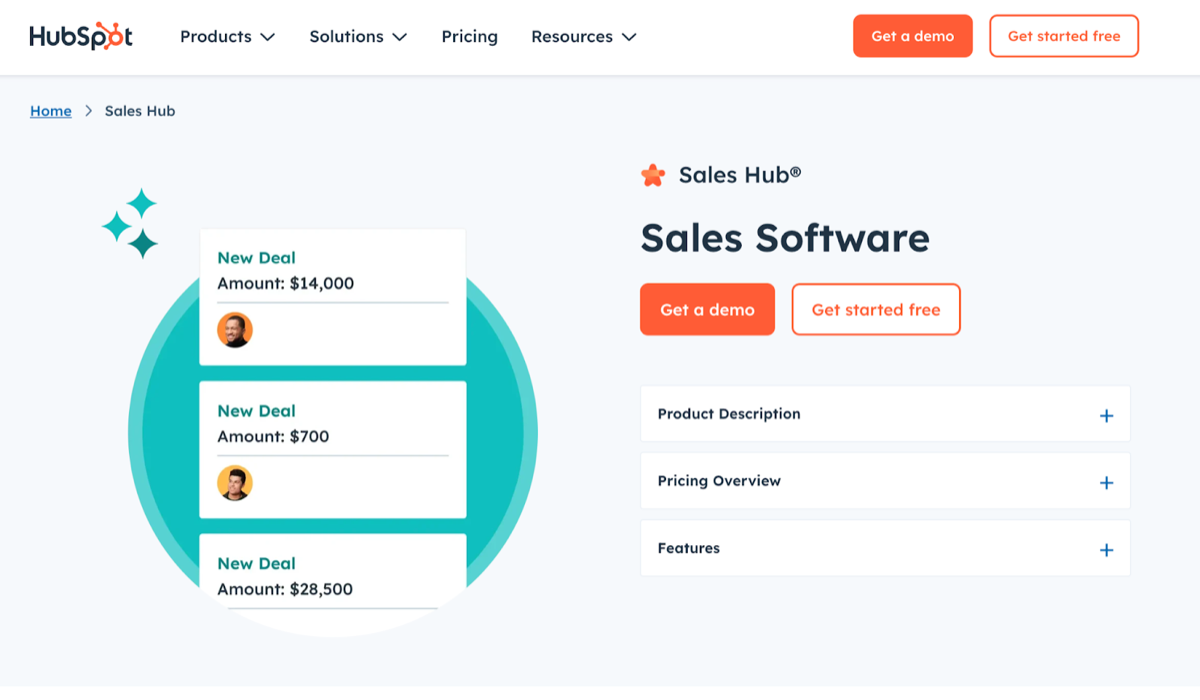
HubSpot Sales Hub is HubSpot’s sales automation tool. It works with HubSpot’s CRM and cuts manual steps out of the sales process.
Top AI-Powered Features:
- Email Tracking and Notifications: Notifies sales reps when prospects open emails, allowing for timely follow-ups.
- Sales Automation: Automates repetitive tasks such as follow-up emails and meeting scheduling.
- Chatbots: Engages website visitors in real-time, qualifying leads and booking meetings automatically.
Why It’s Suitable for Startups
HubSpot Sales Hub is easy to use and has a free tier (as of September 2026). If you already run marketing in HubSpot, your leads are already in the same CRM. Its automation takes follow-up emails and meeting booking off your reps, so they can spend that time closing deals.
6. ZoomInfo Chorus
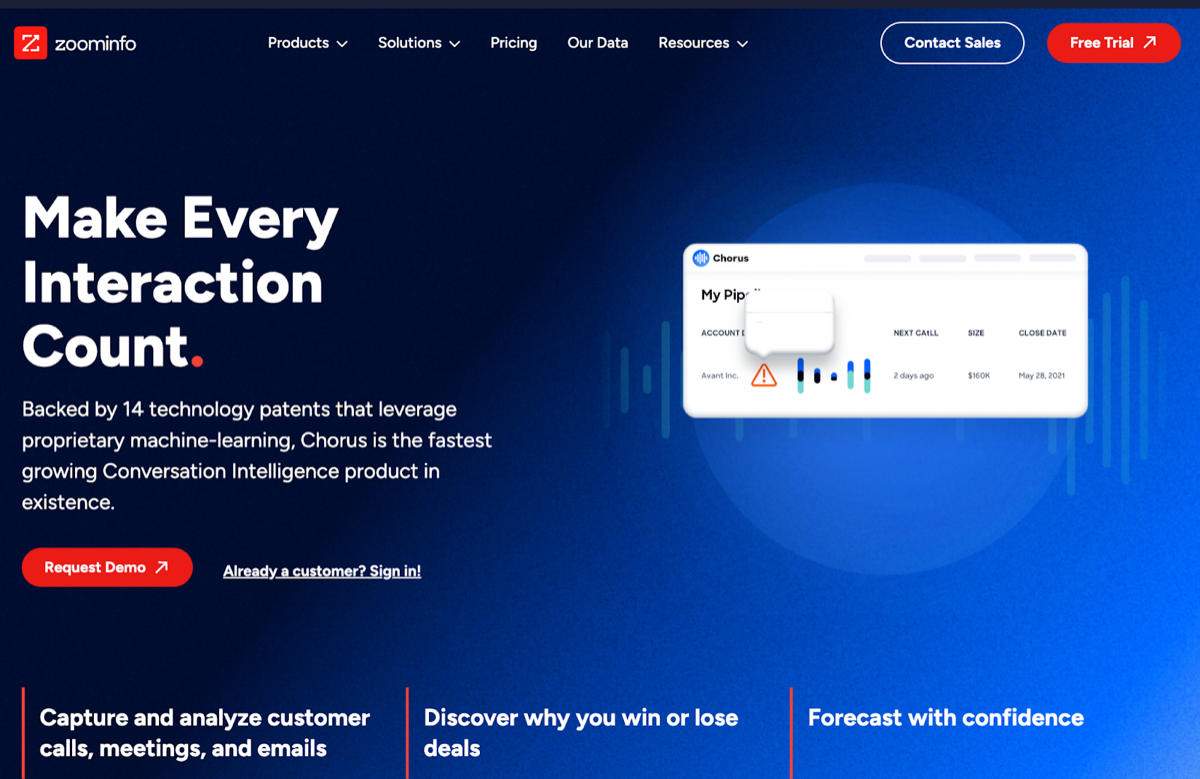
ZoomInfo Chorus (formerly Chorus.ai) is a conversation analytics and salesforce training tool that uses AI to analyze sales calls and meetings to improve sales performance.
Top AI-Powered Features:
- Call Transcription: Automatically transcribes sales calls, making it easy to review discussions and insights.
- Sentiment Analysis: Analyzes customer reactions during calls to gauge interest and engagement levels.
- Coaching Insights: Provides actionable feedback for sales reps based on call performance.
Why It’s Suitable for Startups
Chorus turns sales calls into coaching: transcripts to review, a read on how engaged the prospect was, and feedback for each rep. That helps a small team with no training budget improve its close rate.
Best AI Tools for Startups: Customer Success & Support
7. Zendesk
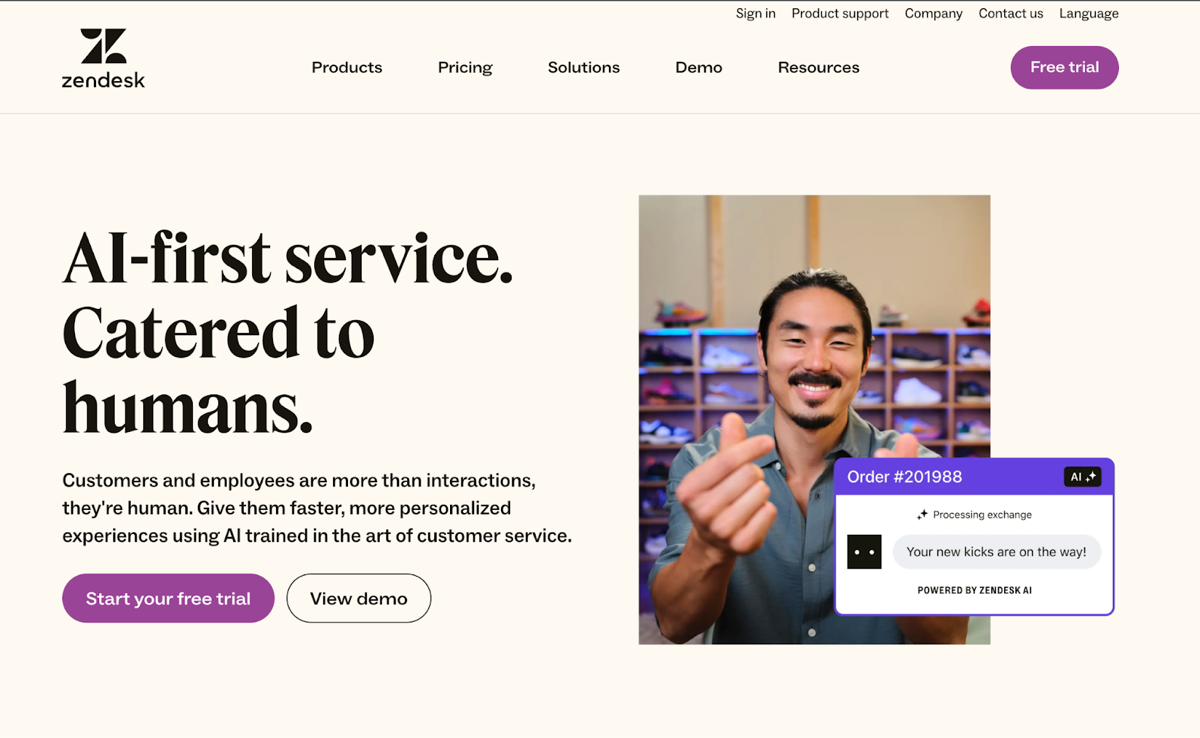
Zendesk is a customer service platform that helps businesses manage customer interactions across multiple channels, providing a consistent support experience.
Top AI-Powered Features:
- AI Agents: Automate responses to common queries, providing customers with instant support.
- Automated Ticketing: Uses AI to categorize and prioritize support tickets, ensuring timely resolutions.
- Customer Insights: Analyzes customer interactions to identify trends and improve service quality.
Why It’s Suitable for Startups
Zendesk grows with the business, so a startup does not have to switch support tools later. It is easy to use, and its AI agents handle common questions, so a small team can offer professional support.
8. Intercom

Intercom is a customer messaging platform for talking to customers in real time, through chatbots and targeted messages.
Top AI-Powered Features:
- Fin AI Agent: Engage customers 24/7, answering queries and guiding them through processes.
- Customer Segmentation: Segments users based on behavior, allowing for personalized outreach.
- Automated Workflows: Automates common support tasks, reducing response times and improving customer experience.
Why It’s Suitable for Startups
Intercom is intuitive, and two of its features carry a lot of weight for a small business: the Fin AI agent answers customers 24/7, and segmentation lets a small team send personalized messages without writing each one by hand.
9. Freshdesk
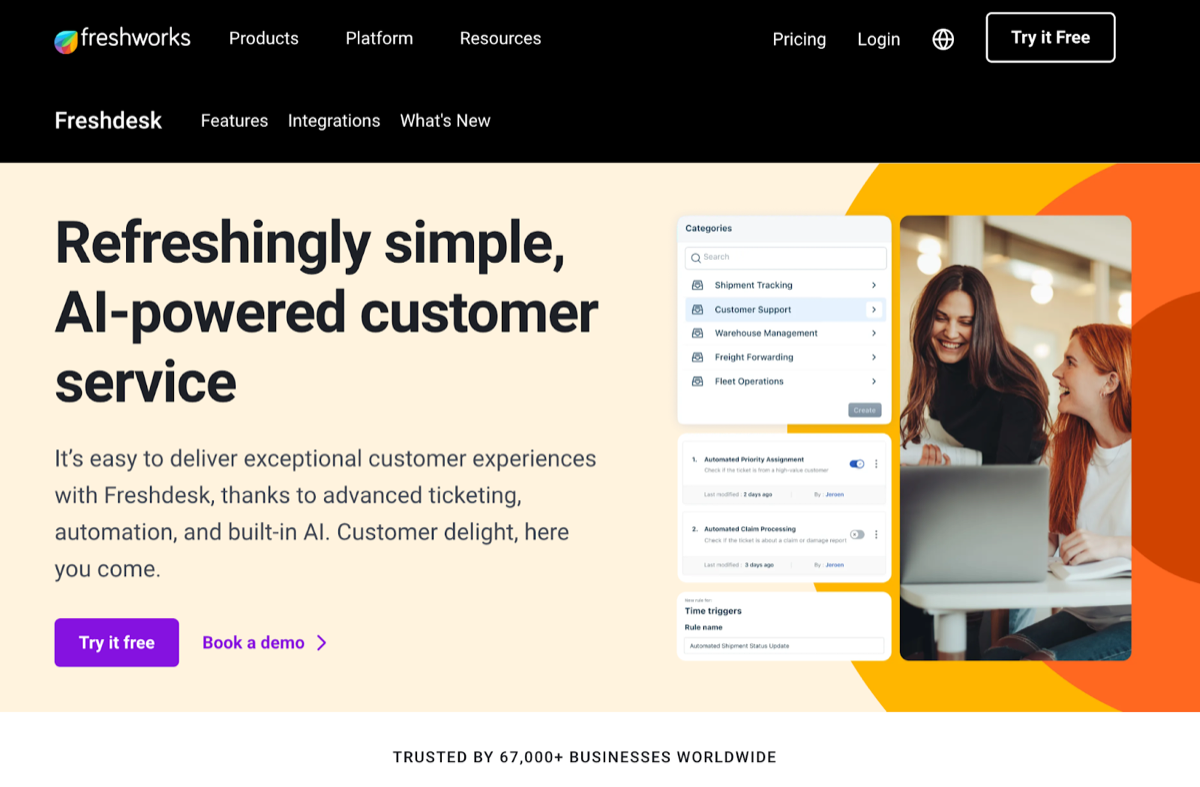
Freshdesk is cloud-based customer support software for handling customer questions from email, chat, phone and social media in one place.
Top AI-Powered Features:
- Freddy AI: Provides AI-driven support suggestions, automating ticket resolutions and responses.
- Multi-Channel Support (Freshdesk Omni): Integrates support across email, chat, phone, and social media, ensuring a unified customer experience.
- Performance Analytics: Uses AI to generate insights on support team performance and customer satisfaction metrics.
Why It’s Suitable for Startups
Freshdesk offers a free program for new businesses (free for 6 months, up to two agents, as of September 2026) and affordable paid plans. Two free agents for six months can cover support for a new product before you pay anything.
For more recommendations on AI tools for customer support, check out our blog post AI Customer Service Software - Best 10 Picks for Customer Support.
Best AI Tools for Startups: Knowledge Management
10. Kipwise
Kipwise is a collaborative knowledge management tool for keeping a team’s internal knowledge in one place and sharing it. It connects to tools the team already uses, such as Slack, so answers turn up where people are working.
Top AI-Powered Features:
- AI Knowledge Suggestions: Automatically suggests relevant knowledge articles based on what you are viewing, reducing the time spent searching for information.
- Slack Auto-answering Bot: Detects common questions in Slack conversations and automatically suggests relevant answers from the knowledge base, reducing the burden on the knowledge experts in your team.
- Built-in Workflows: Encourages collaboration and ensures content is verified and up-to-date through structured processes.
Why It’s Suitable for Startups
Kipwise is easy for a small team to set up, and its integrations mean nobody has to change where they work. Its automation (suggestions, the Slack bot, review workflows) keeps the knowledge base organized without a dedicated knowledge manager.
11. Confluence by Atlassian
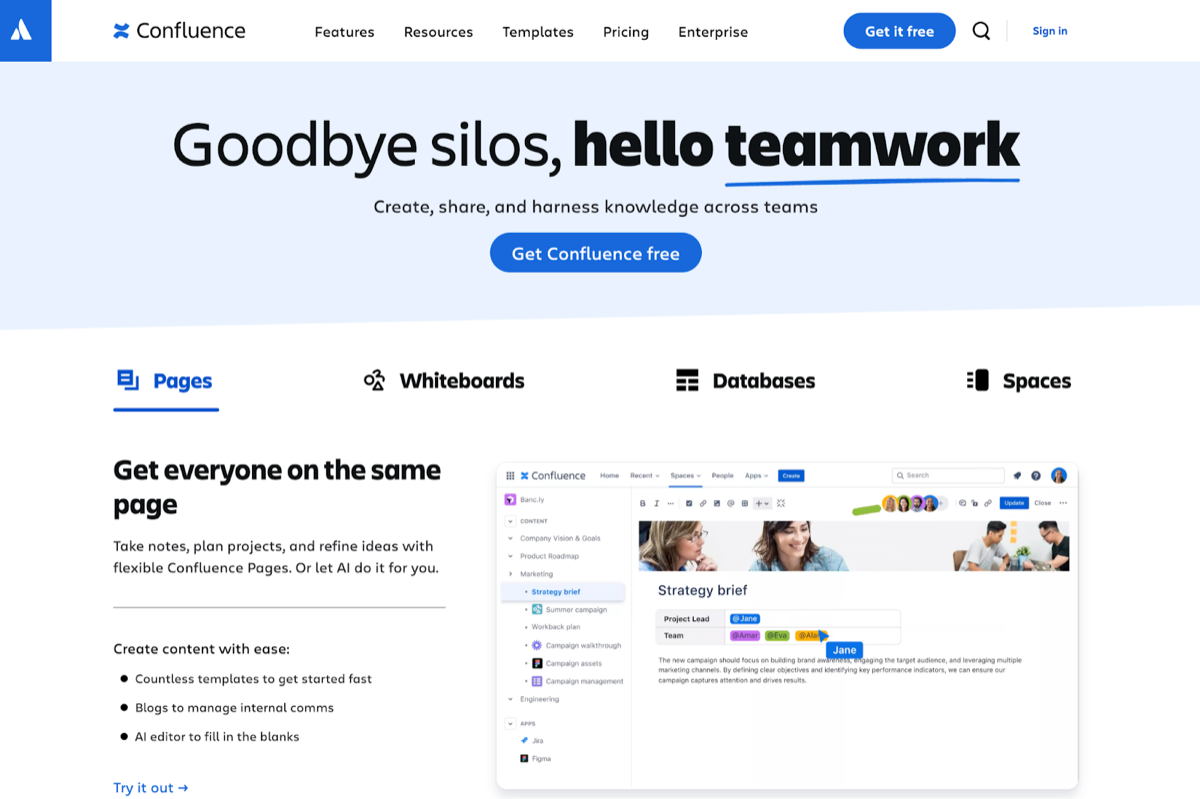
Confluence is a collaboration tool that helps teams create, share, and manage project documentation and internal knowledge. It's well-suited for teams working on complex projects.
Top AI-Powered Features:
- Smart Search (Rovo Search): Uses AI to enhance search functionality, providing personalized answers across Confluence and your connected tools.
- Templates and Macros: Offers customizable templates and macros to speed up documentation and keep it consistent.
- Integration with Jira: Integrates directly with Jira for project management, allowing teams to link documentation with tasks.
Why It’s Suitable for Startups
Confluence supports agile ways of working and scales as you grow. It fits best if your team already runs projects in Jira, since pages and tickets link to each other.
12. Notion
Notion is an all-in-one workspace where teams can write, plan, collaborate, and organize their knowledge. It combines notes, tasks, databases, and wikis in a single platform.
Top AI-Powered Features:
- AI Writing Assistant: Helps generate content and ideas based on prompts, making documentation faster and more efficient (Notion AI is included in the Business and Enterprise plans; Free and Plus plans get a limited number of complimentary AI responses, as of September 2026).
- Database Organization: Allows users to create interconnected databases to manage information dynamically.
- Customizable Templates: Provides a variety of templates for different use cases, enabling quick setup and consistent documentation.
Why It’s Suitable for Startups
Notion is flexible and easy to pick up. Its databases and templates let a team shape it around the way it already works; the trade-off is that someone has to own that structure, or pages sprawl.
Best AI Tools for Startups: Task Management
13. Trello
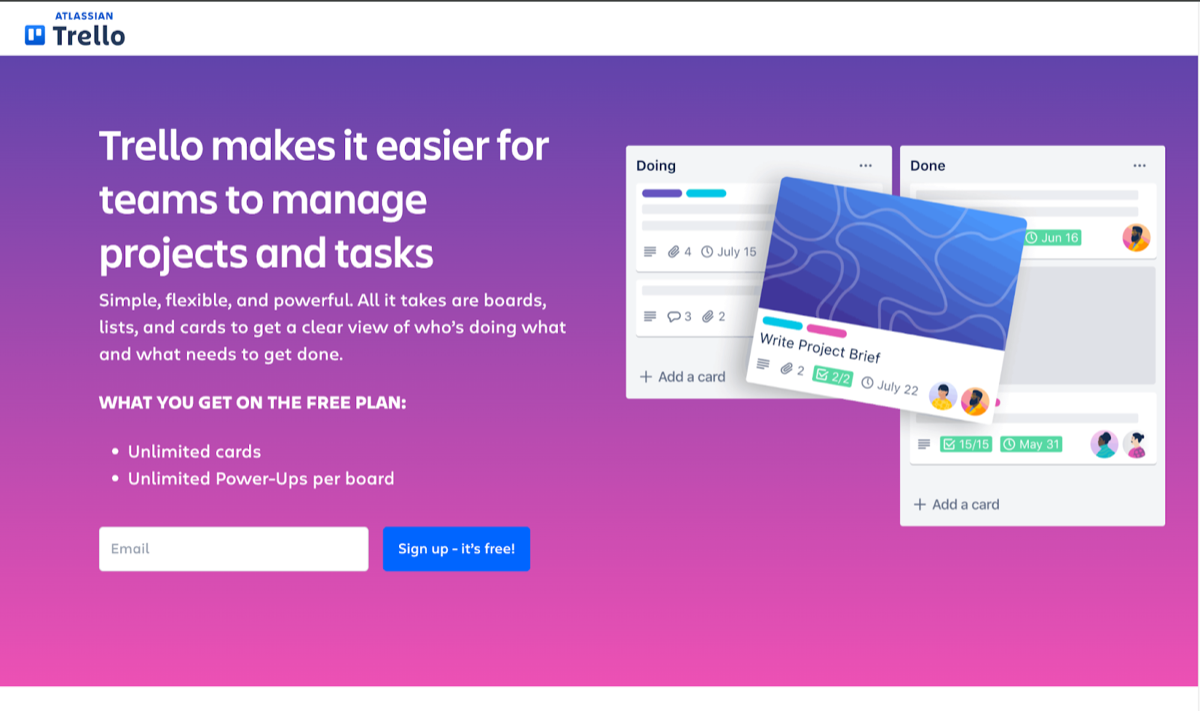
Trello is a visual project management tool that helps teams organize tasks using boards, lists, and cards, making it easy to track progress and collaborate.
Top AI-Powered Features:
- Automation: Automates repetitive tasks such as moving cards, assigning team members, and sending notifications based on triggers.
- Power-Up Integrations: Connects with various apps to enhance functionality, such as time tracking and reporting.
Why It’s Suitable for Startups
Trello’s drag-and-drop boards are easy for a small team to learn, so new teammates pick it up quickly. Its automation handles routine card moves and notifications, so nobody has to spend time keeping the board tidy.
14. Asana
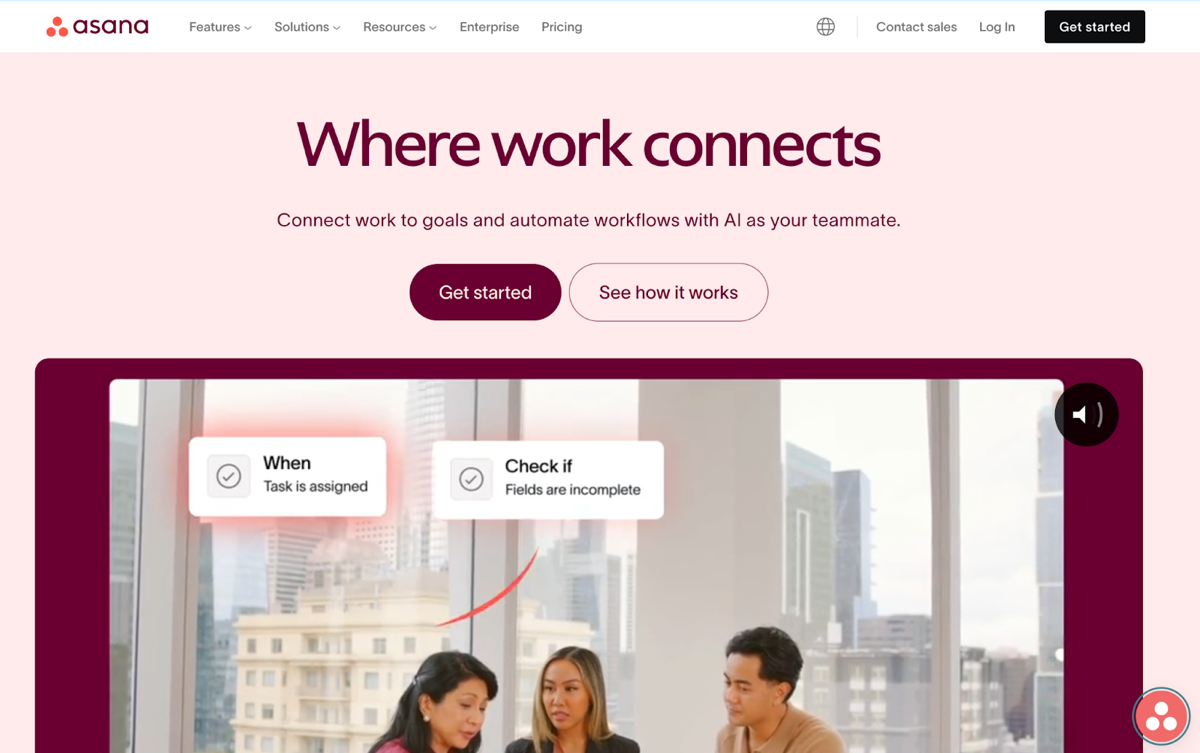
Asana is a comprehensive task and project management tool designed to help teams coordinate work, set priorities, and track progress in real time.
Top AI-Powered Features:
- Workload Management: Shows how busy your team is, so you can rebalance and reassign work quickly.
- Smart Projects: Provides AI-generated project setups tailored to specific projects, cutting setup time.
- Automated Reporting: Smart status uses AI to draft status updates on project progress, saving time on manual tracking.
Why It’s Suitable for Startups
Asana is easy for a startup to adopt. Smart status drafts project updates for you, and the workload view shows who is overloaded, which helps a small team stay on its high-priority tasks.
15. Monday.com
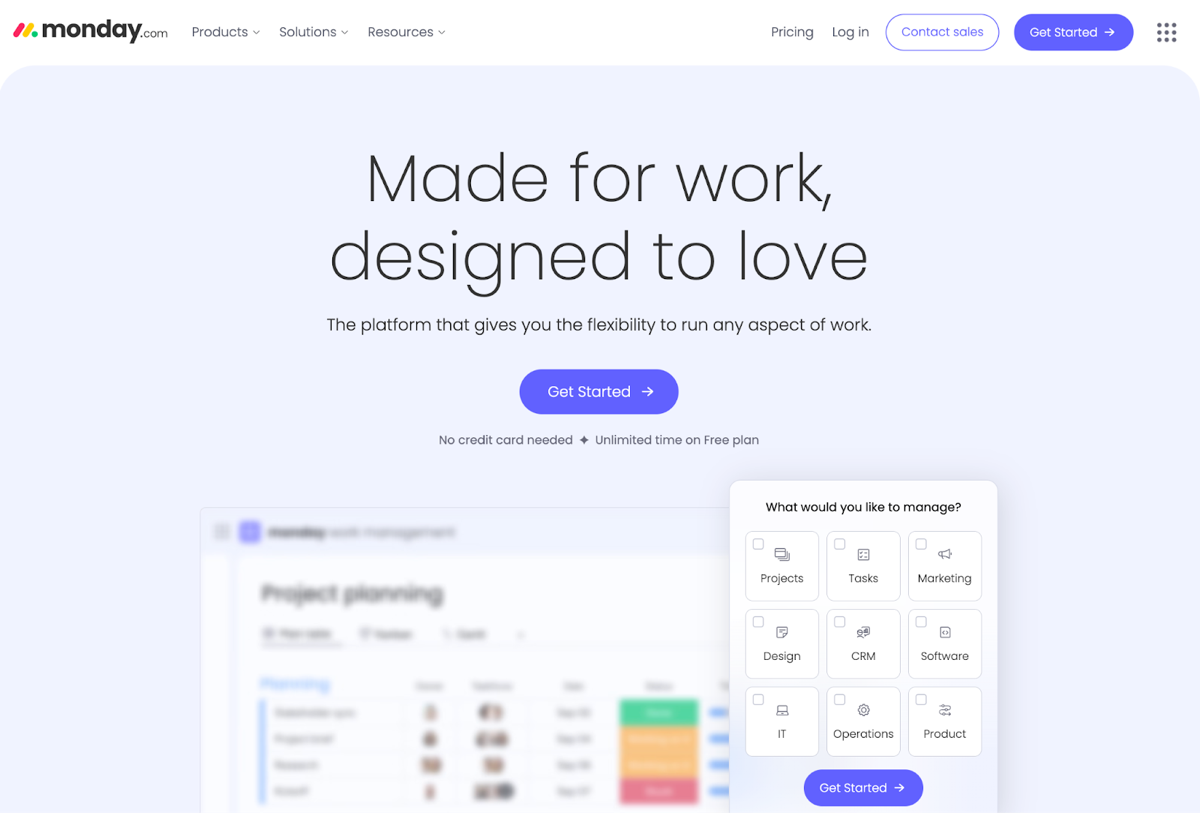
Monday.com is a work operating system that enables teams to manage projects, workflows, and everyday tasks in a customizable, visual format.
Top AI-Powered Features:
- Automations: Allows users to set up automated workflows to reduce manual tasks, such as status updates and notifications.
- AI Insights: Analyzes project data to provide actionable insights and optimize team performance.
- Custom Dashboards: Offers live, customizable visualizations of project metrics with AI-generated summaries, making it easy to track progress and identify bottlenecks.
Why It’s Suitable for Startups
Monday.com adapts to most workflows, which suits a startup whose processes are still changing as it grows. Its visual boards and dashboards let the whole team see where work stands.
Frequently Asked Questions About AI Tools for Startups
How much should a startup budget for AI tools?
Most startups can start with free tiers and basic plans. Many tools like HubSpot, Trello, and Canva offer free versions (as of September 2026) that provide substantial value. As your business grows, you can scale up to paid plans. Focus on ROI rather than cost: a tool that saves 10 hours per week is worth the investment.
Can small teams effectively use multiple AI tools without getting overwhelmed?
Yes, but start small. Begin with 2-3 tools that address your biggest pain points, then gradually add others as your team becomes comfortable. Look for tools that integrate well together (HubSpot, Slack, and Kipwise, for example). The key is ensuring each tool serves a clear purpose and doesn't duplicate functionality.
Do AI tools require technical expertise to implement?
Most modern AI tools are designed for non-technical users. Tools like Canva, Trello, and HubSpot have intuitive interfaces that require minimal training. However, it's worth designating one team member as the "tool champion" to become expert in setup and troubleshooting. Most providers also offer excellent onboarding resources and customer support.
Which AI tools should a startup implement first?
Start with tools that address your most time-consuming tasks. Typically, this means: 1) A project management tool (Trello, Asana, or Monday.com), 2) A communication/knowledge management tool (Kipwise or Notion), and 3) A marketing tool (HubSpot or Canva). These three categories usually provide the biggest immediate impact on productivity.
How long does it take to see results from implementing AI tools?
You can typically see immediate benefits like time savings within the first week for simple tools like Canva or Trello. For more complex implementations like CRM systems (HubSpot, Salesforce), expect 2-4 weeks to see significant workflow improvements. Customer support tools like Zendesk often show impact within days once chatbots are configured.
Are AI tools secure enough for startup data?
Reputable AI tool providers like those listed in this article invest heavily in security and compliance. Look for tools that offer SOC 2 compliance, GDPR compliance, and enterprise-grade security features. Always review their data handling policies and consider where your most sensitive data will be stored before implementation.
Can AI tools integrate with existing software we already use?
Most modern AI tools offer extensive integration capabilities. HubSpot integrates with over 2,000 apps, while tools like Kipwise work directly with Slack and other daily-use platforms. Before selecting a tool, check its integration marketplace or API documentation to ensure compatibility with your current tech stack.
What's the difference between free and paid versions of these AI tools?
Free versions typically offer basic functionality with limitations on users, storage, or advanced features. Paid versions add automation, advanced analytics, priority support, and team collaboration features. For example, Canva's free version has basic design tools, while the paid versions add more brand kits, advanced templates, and team features (as of September 2026).
How do we measure the ROI of AI tools for our startup?
Track metrics like time saved, tasks automated, lead conversion improvements, and customer satisfaction scores. For example, if a tool saves 5 hours per week per employee and your average hourly cost is $30, that's $150 in weekly savings. Many tools also provide built-in analytics showing usage patterns, efficiency gains, and business impact.
Should startups build custom AI solutions or use existing tools?
For 99% of startups, existing tools are the better choice. Building custom AI requires significant technical expertise, time, and resources that most startups can't afford. The tools mentioned in this article have been tested by millions of users and offer reliability that custom solutions rarely match. Focus your development resources on your core product instead.
Conclusion
The 15 tools above split into five jobs: marketing, sales, support, knowledge management, and task tracking. Many have a free tier or a free trial, so the cheapest way to start is to pick one tool per job you are actually struggling with and run it for a few weeks before paying for anything. A tool nobody opens is a cost with no return.
Check for overlap before you add a second tool. HubSpot Sales Hub, Zendesk and Intercom all come with an AI chatbot or agent, and two of them on one website means customers get answers from two bots that do not know about each other. CRMs are the same: HubSpot and Salesforce both hold your customer records, and running both means two versions of every lead, so pick one.
An AI agent that works inside your Slack threads
Kipwise Agent answers in the thread, as you, so the answer stays where the question was.
- “Do we have a doc about this?”: it searches your knowledge base, reads the page, and answers with the relevant part and a link to the source
- “Can someone write this up?”: it drafts a page from the thread, files it in the folder you name, publishes it and posts the link
- “Post this to the channel”: it shares a page into a Slack channel you name
- “Every week, summarise…”: it runs a request on a schedule and posts the result where the team will see it
It only ever sees the pages you can see, and everything it writes in Kipwise is attributed to you.