Best AI Chatbots of 2025 - Top 12 Picks

AI chatbots have moved past scripted replies. The best AI chatbots today handle round-the-clock customer support, speed up day-to-day operations, and give users a more natural way to interact with a product, and the list of contenders changes every few months as new models ship.
This guide covers 12 chatbots worth knowing in 2025, picked for different jobs: general-purpose assistants, writing and content tools, sales and support bots, and search-focused chat. Each entry below covers what it does well and where it fits.
What is an AI Chatbot?
AI Chatbot, which stands for artificial intelligence chatbot, is a computer software that utilizes artificial intelligence (AI) technologies like natural language processing (NLP) and machine learning to imitate human-like conversations with users.
It can understand and respond to text or voice inputs, providing information, answering questions, or assisting with different tasks. They can be used in customer service, personal assistance, and various other business workflows to enhance user engagement and efficiency.
What to look for in an AI chatbot
Here are some key factors to consider when choosing an AI chatbot:
1. Purpose and Use Case
Define what you need the chatbot for. Is it for customer service, lead generation or just personal assistance? Different chatbots are best at different areas, so knowing your purposes can help you define which are the top features that you are looking for.
2. Natural Language Processing (NLP) Capabilities
Assess the chatbot's ability to understand and respond to natural language effectively. For example, assess how well the chatbot can understand the user's intent and the context behind their messages, beyond just literal interpretations. And how well it can handle misspellings, abbreviations, and different communication styles.
3. Integration
Check if the chatbot can integrate with your existing systems (e.g. CRM, messaging tools, knowledge base, etc.).
4. Customization
Look for options to customize the chatbot’s tone and style to fit your brand voice. Also evaluate the chatbot's capabilities in allowing the customization and expansion of its knowledge base, such as adding or updating content, FAQs, and product information.
5. User Experience
Evaluate the user interface and ease of use for both users and administrators. Also assess the chatbot's ability to incorporate user feedback and continuously improve the user experience.
6. Analytics and Reporting
Ensure the chatbot provides insights and analytics to track performance and user interactions. For examples, does it provide conversation success metrics such as resolution rate, drop-off points, user satisfaction, etc.?)
7. Security and Compliance
Verify that the chatbot complies with relevant data protection regulations (e.g., GDPR).
One factor decides more selections than the rest: whether the chatbot can answer from your team's own documents or only from its training data. A general chatbot like ChatGPT or Gemini will answer a company-specific question fluently and wrongly, because it has nothing to retrieve from and no way to say so. Before comparing tone or templates, test each candidate on five real questions from your own wiki or support tickets: if it cannot cite the source document, it is the wrong tool for internal knowledge, whatever else it does well.
Below is a list of 12 AI chatbots that we love and hope would be helpful to help you find the right one too.
The best AI chatbots
- General: ChatGPT, Microsoft Bing AI, Gemini
- For content writing: Jasper Chat, Chatsonic
- For sales and marketing: ChatSpot by HubSpot
- For customer service: Intercom, Drift
- For personal use: Pi, Poe
- For searching the web: KoalaChat, YouChat
1. ChatGPT
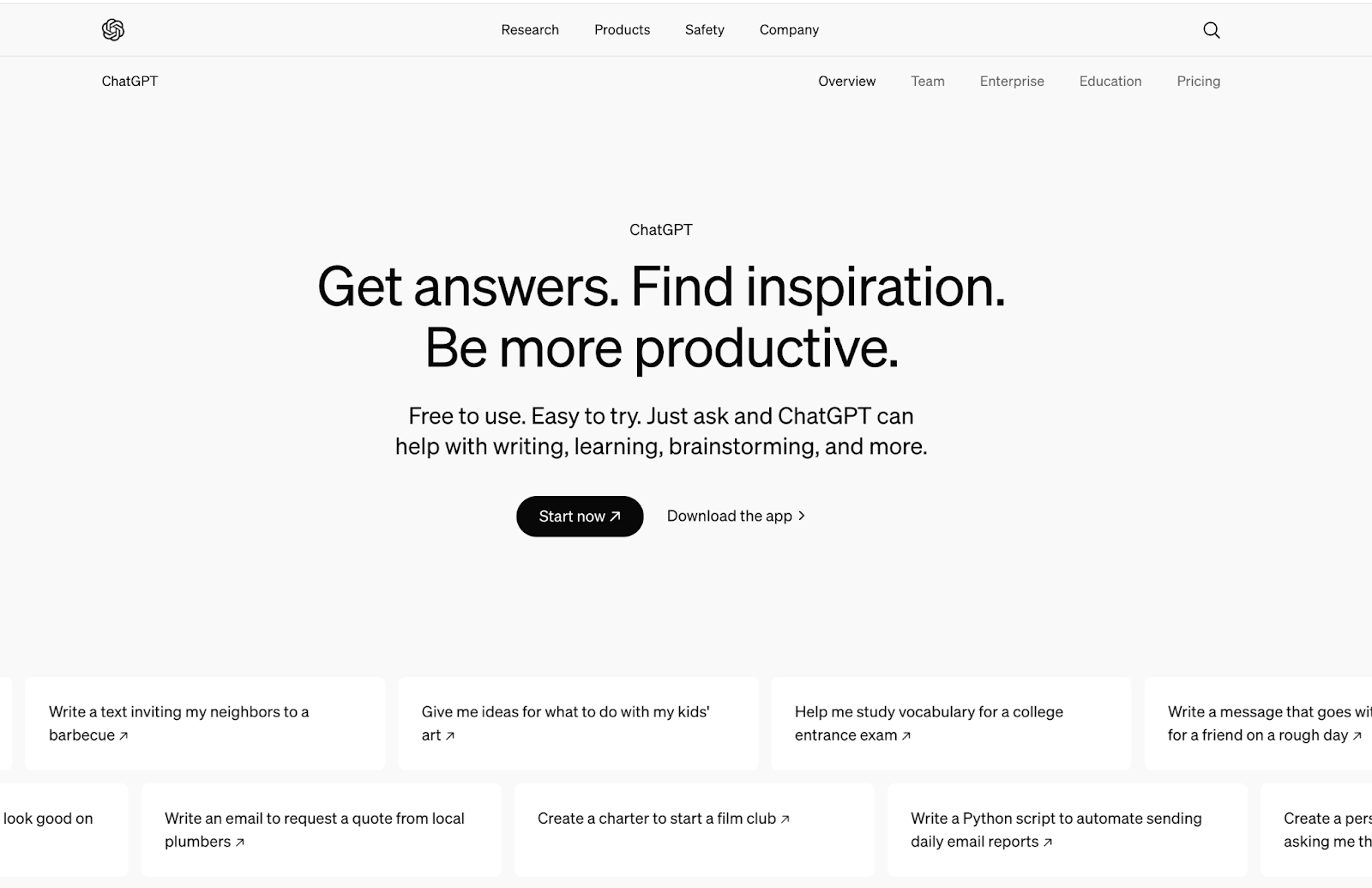
ChatGPT, built by OpenAI, is the AI chatbot most people think of first. It generates human-like text from natural-language prompts using large language model techniques, which lets it hold a conversation, answer questions, and help with tasks across writing, research, coding, and more.
Top Features
- Natural Language Understanding: ChatGPT can effectively comprehend and respond to complex queries and prompts in human-like conversational style.
- Context Awareness: ChatGPT can remember and maintain the context of a conversation over multiple exchanges. It understands what has been discussed earlier in the conversation and can provide coherent answers related to the ongoing dialogue.
- Personalization: It can tailor responses and adapt its tone and style based on individual user preferences and interaction. This enhances user engagement and improve user experience by creating a more personalized experience.
- Multilingual Support: It can understand and generate text in multiple languages, so it can cater to global audiences and communicate with users from different linguistic backgrounds effectively.
- Versatile Applications: It can perform a wide range of tasks across different domains, including customer support, content generation, education, and creative writing, making it suitable for various industries and use cases.
- Continuous Learning: ChatGPT regularly updates it knowledge base with recent data and developments and can learn from user interactions to keep refining its algorithms and models to improve accuracy and relevance.
Best Uses
- Customer Support: Automating responses to frequently asked questions and assisting users efficiently, making it possible to provide 24/7 round-the-clock customer support.
- Content Creation: Helping writers generate ideas, draft blog articles and social media posts, or create marketing copy.
- Brainstorming: Assisting in generating ideas for creative projects, presentations, or business strategies.
- Education: Serving as a tutor for various subjects, providing explanations, answering student questions and engaging students in quizzes and discussions to reinforce learning.
Wondering if you can use ChatGPT for your company internal knowledge base? Check out Kipwise! It’s integrated with ChatGPT and Slack. So whenever you have a question, just ask in Slack and Kipwise can answer you with information stored in your knowledge base!
2. Microsoft Copilot
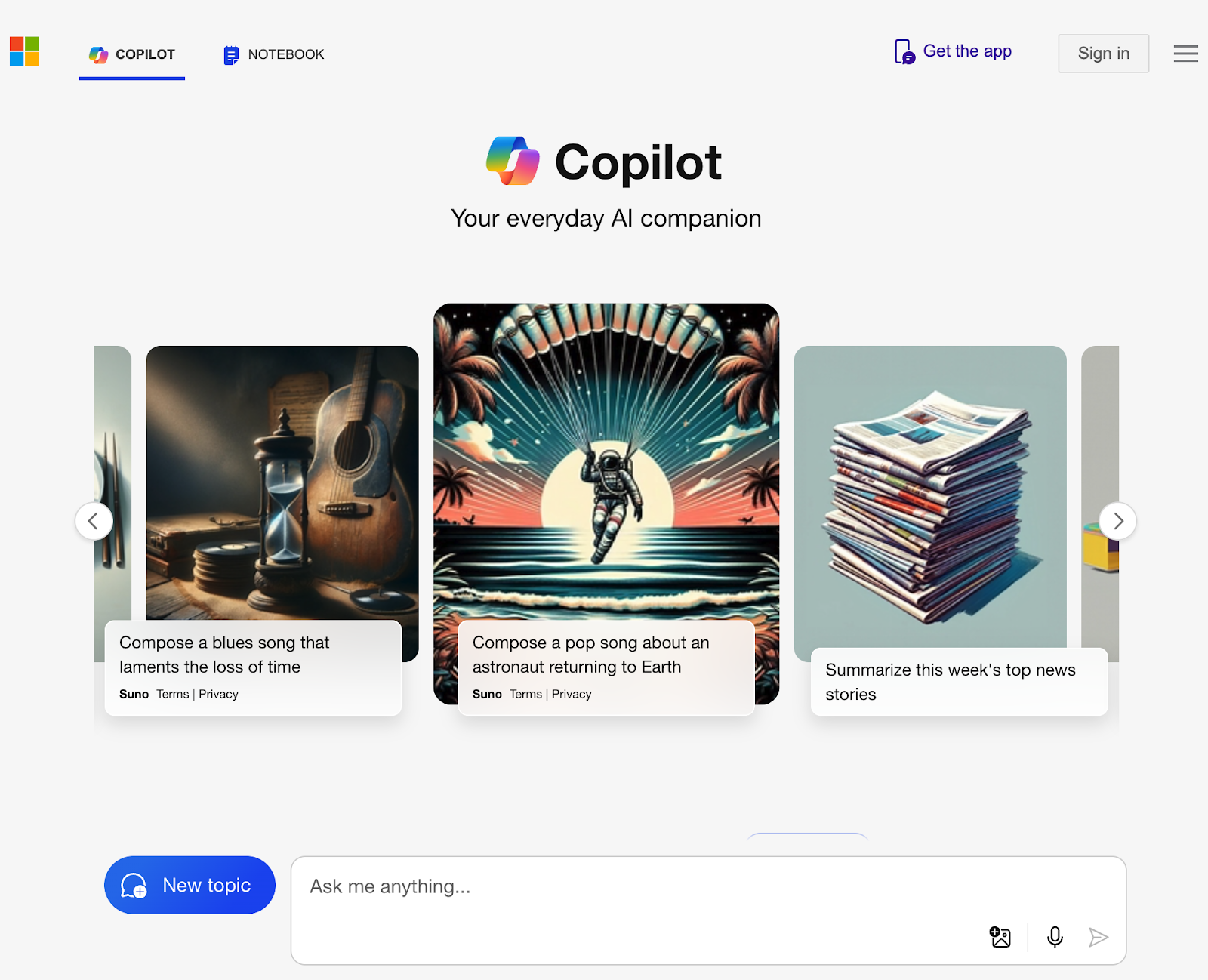
Microsoft Copilot lives inside Microsoft 365, not as a separate app. It uses machine learning and natural language processing to help with tasks directly in Word, Excel, PowerPoint, and Outlook, from drafting a document to summarizing an inbox.
Top Features
- Contextual Assistance: Copilot understands the context of your work, providing relevant suggestions and insights based on the content you’re working with.
- Natural Language Queries: Users can interact with Copilot using natural language, allowing for intuitive commands and requests, such as generating text or analyzing data.
- Content Generation: It can create drafts, summarize documents, and generate presentations, saving time and effort in content creation.
- Data Insights: In Excel, Copilot can analyze data patterns, create visualizations, and provide insights, making data-driven decision-making easier.
- Email Drafting: In Outlook, it can help draft responses, summarize threads, and prioritize messages based on relevance.
- Integration Across Apps: Copilot works the same way across Word, Excel, PowerPoint, and Outlook, so the interface stays familiar.
Best Uses
- Document Creation: Speeds up writing in Word with content generation and formatting suggestions.
- Data Analysis: Enhancing productivity in Excel through advanced data manipulation and insights.
- Presentation Design: Assisting in creating visually appealing presentations in PowerPoint with design suggestions and content generation.
- Email Management: Improving efficiency in Outlook by automating responses and summarizing emails.
Microsoft Copilot is best for users seeking to enhance their productivity and creativity within Microsoft 365, making everyday tasks more efficient and effective.
3. Gemini
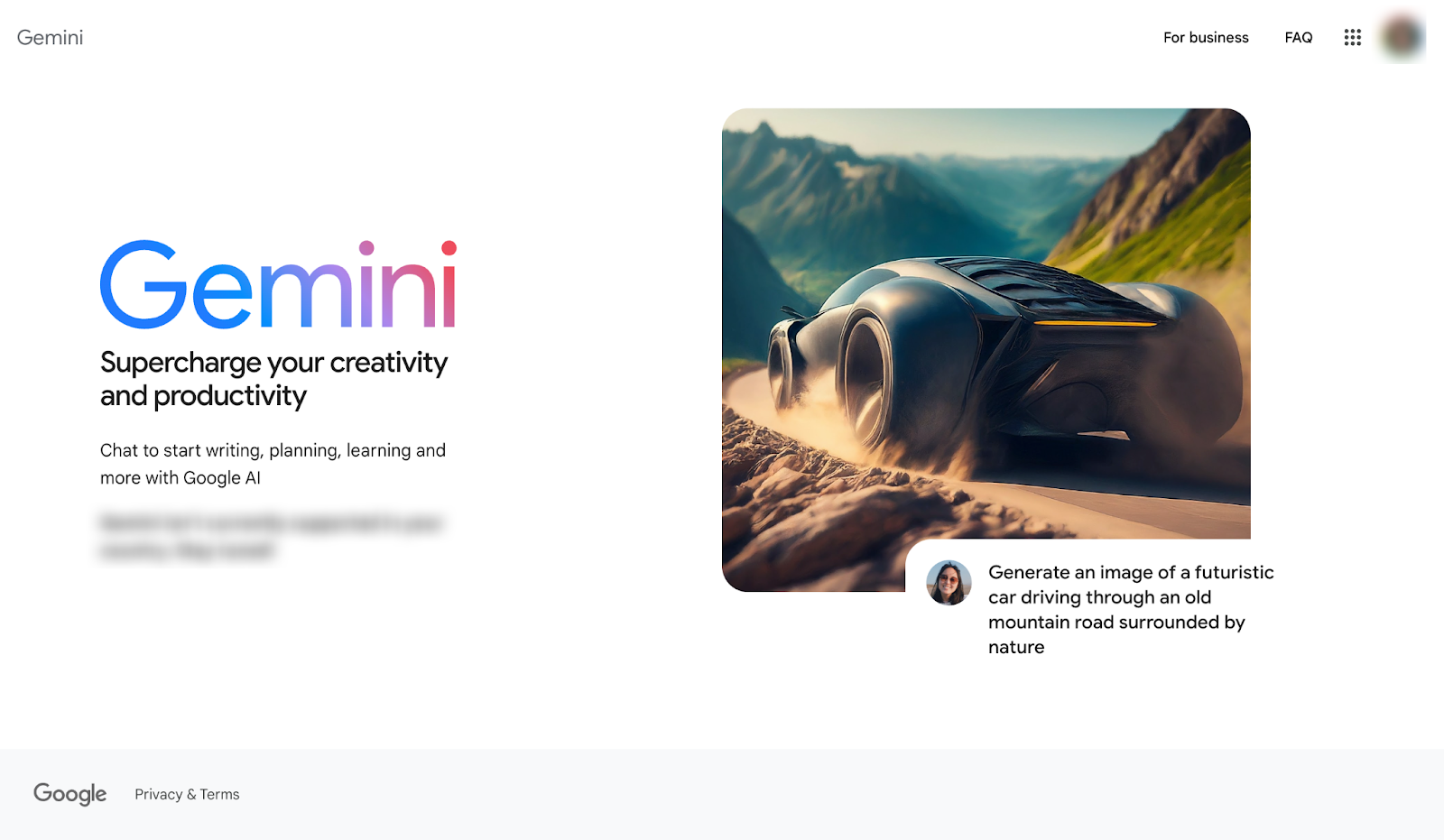
Gemini, built by Google DeepMind, is designed to work well both inside Google's own products and as a standalone assistant, with natural language processing tuned to track context across a conversation.
Top Features
- Multimodal Capabilities: Gemini can process and generate text, images, and other data types, enabling richer interactions.
- Contextual Understanding: It comprehensively understands user intent and context, allowing for more relevant and accurate responses.
- Enhanced Conversational Abilities: Gemini is designed for fluid and engaging conversations, making it suitable for both casual and professional settings.
- Integration with Google Services: Integrates with various Google applications to support existing workflows.
- Personalization: Learns user preferences over time, providing tailored suggestions and interactions.
- Broad Knowledge Base: Accesses a large amount of information, allowing it to answer a wide range of queries effectively.
Best Uses
- Information Retrieval: Quickly finding accurate answers to questions across various topics.
- Image Generation: Gemini can create and manipulate images based on text prompts, making it a useful tool for creative projects, design tasks, and visual content creation. Its ability to understand context and nuances also helps in generating images that align closely with user expectations.
- Creative Assistance: Helping users brainstorm ideas, write content, or generate creative works.
- Data Analysis: Assisting in interpreting data and providing insights for decision-making.
- Enhanced Communication: Facilitating smoother interactions in messaging and collaboration tools.
Gemini is best for users looking for a versatile AI tool that enhances productivity, creativity, and communication across various applications and platforms.
4. Jasper Chat
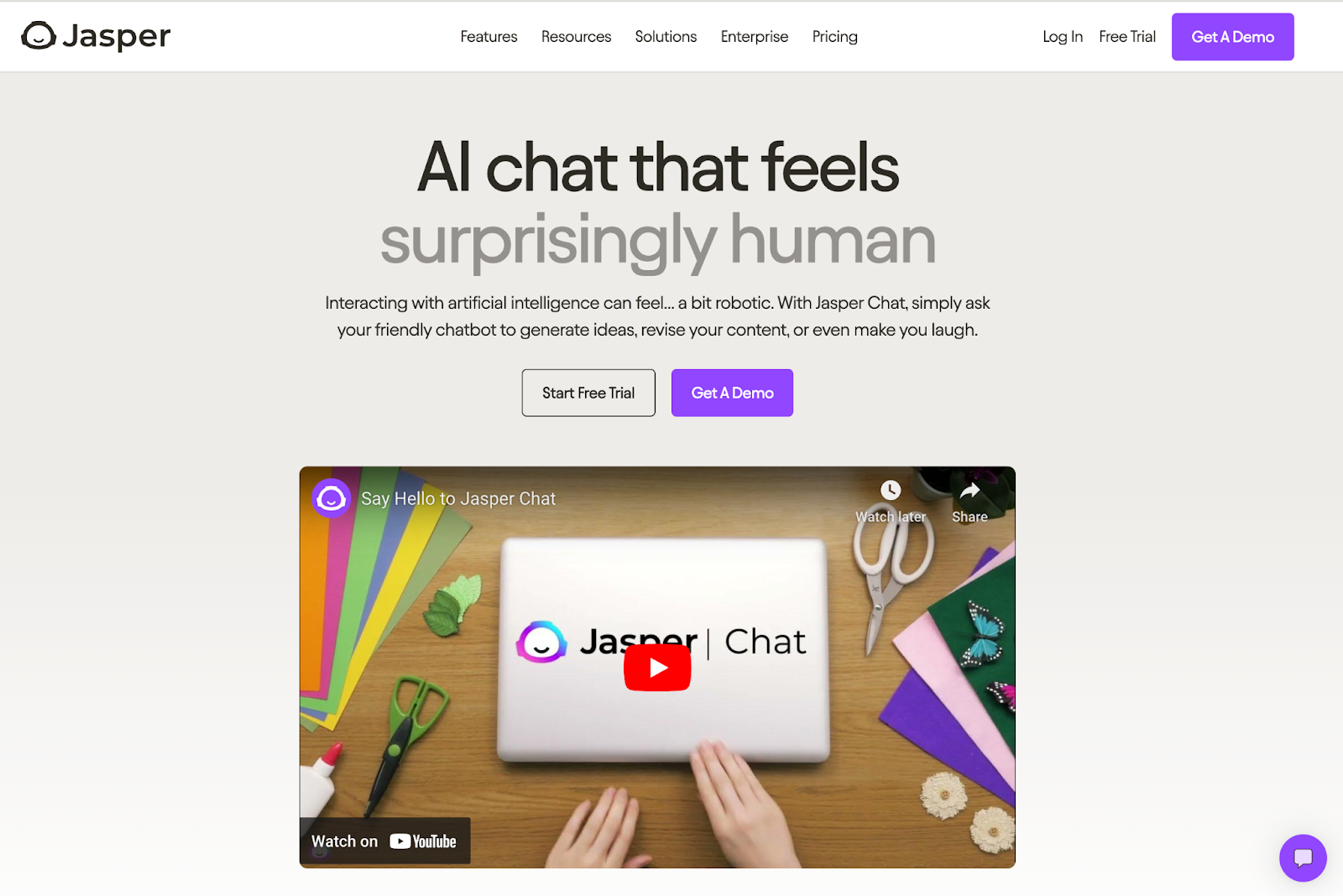
Jasper Chat, from Jasper AI, focuses on creative writing and content generation rather than general-purpose chat. It helps users draft high-quality text across formats, from marketing copy to blog posts.
Top Features
- Content Generation: Quickly creates engaging text for different purposes, including articles, social media posts, and emails.
- Templates and Frameworks: Offers a range of templates that cut the blank-page problem, making it easier to generate structured content.
- Tone and Style Customization: Allows users to specify the desired tone and style, ensuring the content aligns with brand voice or personal preferences.
- SEO Optimization: Provides suggestions that help enhance content visibility and effectiveness in search engines.
- Collaborative Editing: Supports real-time collaboration, so teams can edit the same project together.
- Idea Brainstorming: Assists users in generating creative ideas and overcoming writer's block.
Best Uses
- Marketing and Copywriting: Crafting persuasive marketing materials and advertisements.
- Blog and Article Writing: Generating in-depth articles and blog posts efficiently.
- Social Media Management: Creating engaging posts and captions for various platforms.
- Content Planning: Helping teams brainstorm and plan content strategies.
Jasper Chat fits marketers, writers, and content creators who want to speed up drafting without losing control over tone and quality.
5. Chatsonic
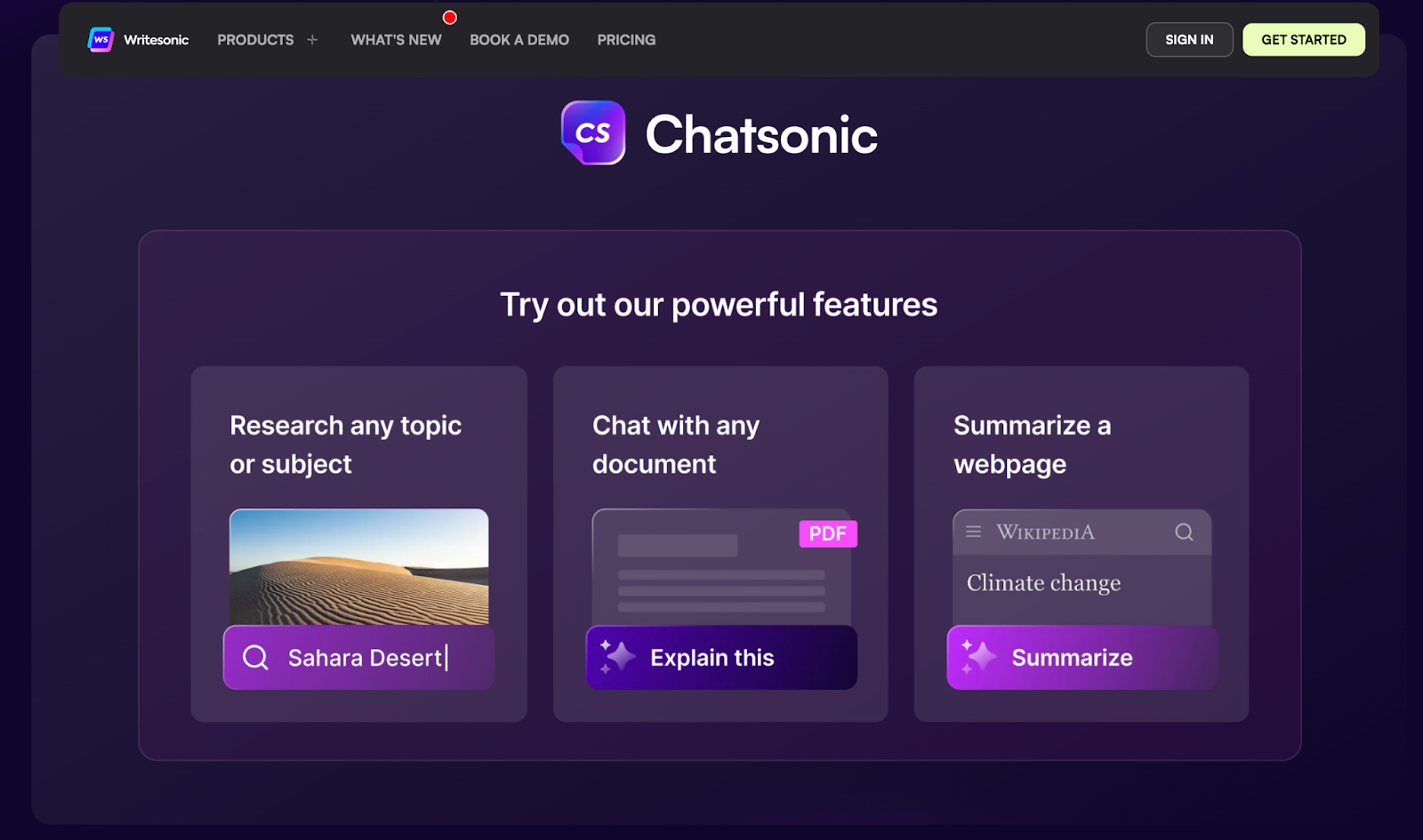
Chatsonic, from Writesonic, pairs chat with content generation: users can write, ask questions, and generate images from the same conversation instead of switching between separate tools.
Top Features
- Multimodal Capabilities: Supports text and image generation, allowing for richer content creation.
- Templates and Prompts: Offers pre-built templates for various writing tasks, cutting setup time for content creation.
- Creative Assistance: Helps brainstorm ideas for stories, articles, and other creative projects.
- SEO Optimization: Provides keyword suggestions and on-page guidance to improve content visibility.
- A/B Testing Support: Assists in creating variations of content for testing effectiveness.
Best Uses
- Content Creation: Generating articles, blog posts, and social media content.
- SEO Optimization: Develop keyword-rich content and meta descriptions to improve search rankings.
- Ad Copy Generation: Create compelling advertisements for online and offline campaigns.
- Creative Writing: Assisting in brainstorming ideas and generating story plots.
Chatsonic is best for users looking for a flexible and interactive AI tool that enhances productivity and creativity across various applications.
6. ChatSpot
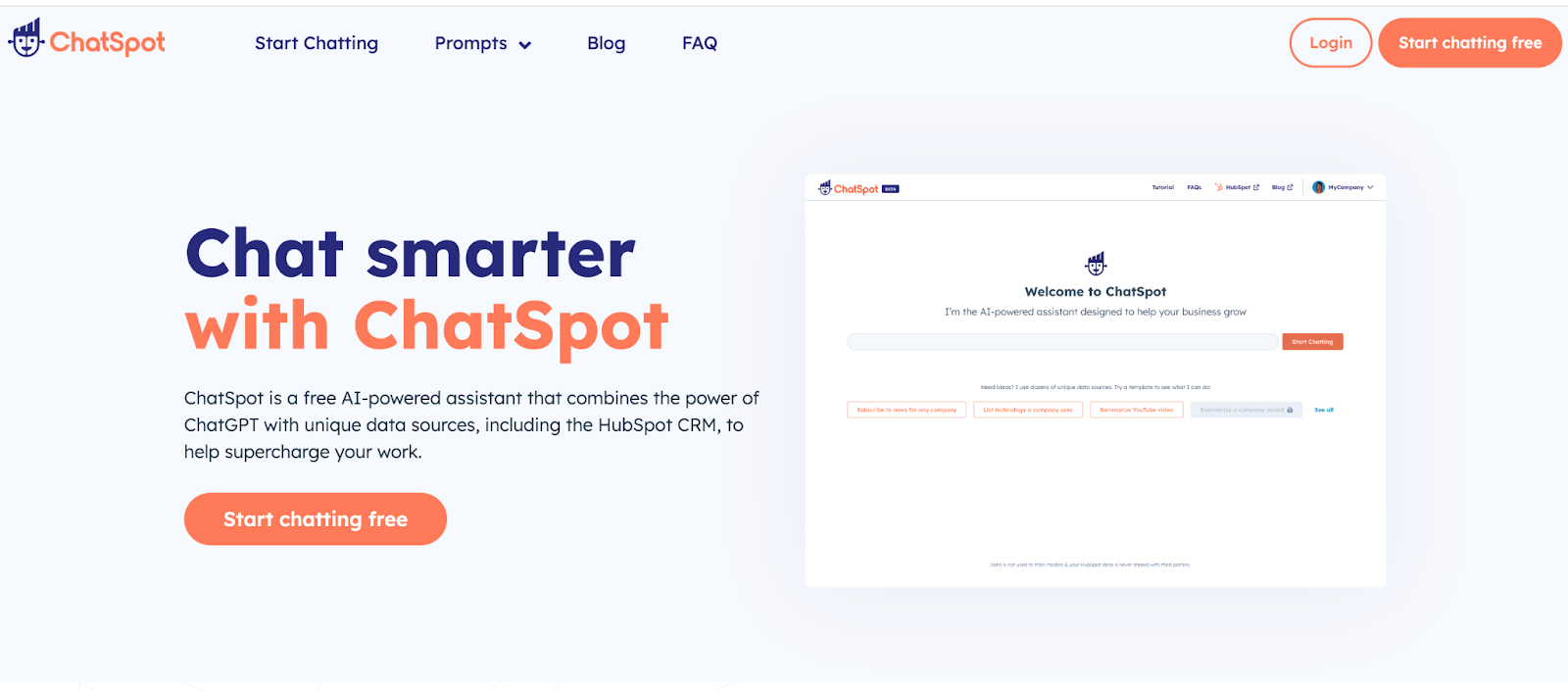
ChatSpot is HubSpot's conversational tool for sales teams, built to make prospecting less manual:
Top Features
- Lead Qualification: ChatSpot can engage with website visitors, understand their needs, and automatically qualify them as viable sales leads. By capturing relevant information upfront, it ensures sales reps focus on the most promising prospects.
- Automated Outreach: ChatSpot can initiate personalized outreach to leads, sending automated messages, scheduling meetings, and following up on actions taken during the chat. This helps sales teams scale their prospecting activities without additional manual effort.
- CRM Integration: By integrating with HubSpot's CRM, ChatSpot automatically logs and updates lead information, eliminating the need for reps to manually enter data. This keeps the sales pipeline up-to-date and ensures a smooth handoff to the sales team.
- Conversational Intelligence: ChatSpot's natural language processing capabilities allow it to have contextual, human-like conversations with leads. This helps uncover valuable insights about their pain points, purchasing intent, and objections, which sales reps can then use to tailor their approach.
Best Uses
- Lead Generation: Engaging potential customers and qualifying leads through interactive conversations.
- Sales Automation: Assisting sales teams in managing leads and follow-ups.
- Information Access: Providing users with quick access to relevant data and resources within HubSpot.
Sales teams that lean on ChatSpot's conversational features tend to move faster through prospecting, with better-qualified leads and less manual follow-up.
7. Intercom
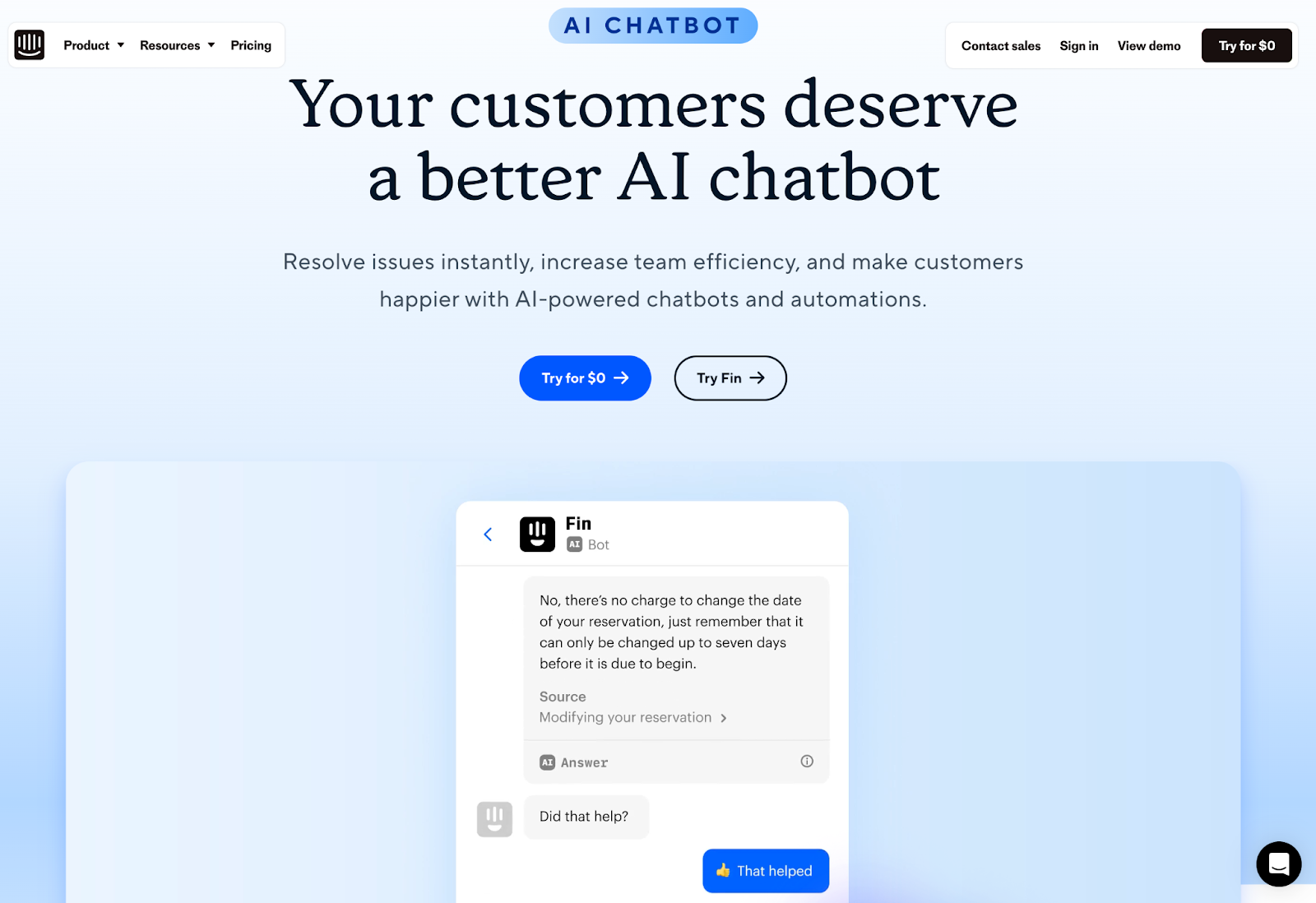
Intercom AI Chatbot is built into Intercom's customer messaging platform, for businesses handling support through their websites and apps. It answers common questions instantly, which cuts response times and reduces repetitive tickets for the support team.
Top Features
- Automated Responses: Delivers instant answers to common customer queries, reducing response times.
- Lead Generation: Engages visitors to capture leads and qualify them based on their interactions.
- User Onboarding: Guides new users through product features and functionalities.
- Multi-lingual support: Support language automation across 43 languages.
- Multi-Channel Support: Operates across different platforms, including web, mobile, and social media.
Best Uses
- Customer Support: Providing immediate assistance and resolving issues efficiently.
- Sales Assistance: Engaging potential customers and guiding them through the sales funnel.
- User Onboarding: Helping new users navigate products and features effectively.
- Feedback Collection: Gathering user feedback to improve products and services.
Intercom AI Chatbot is best suited for businesses looking to enhance customer interaction, improve support efficiency, and drive engagement through personalized communication.
8. Drift
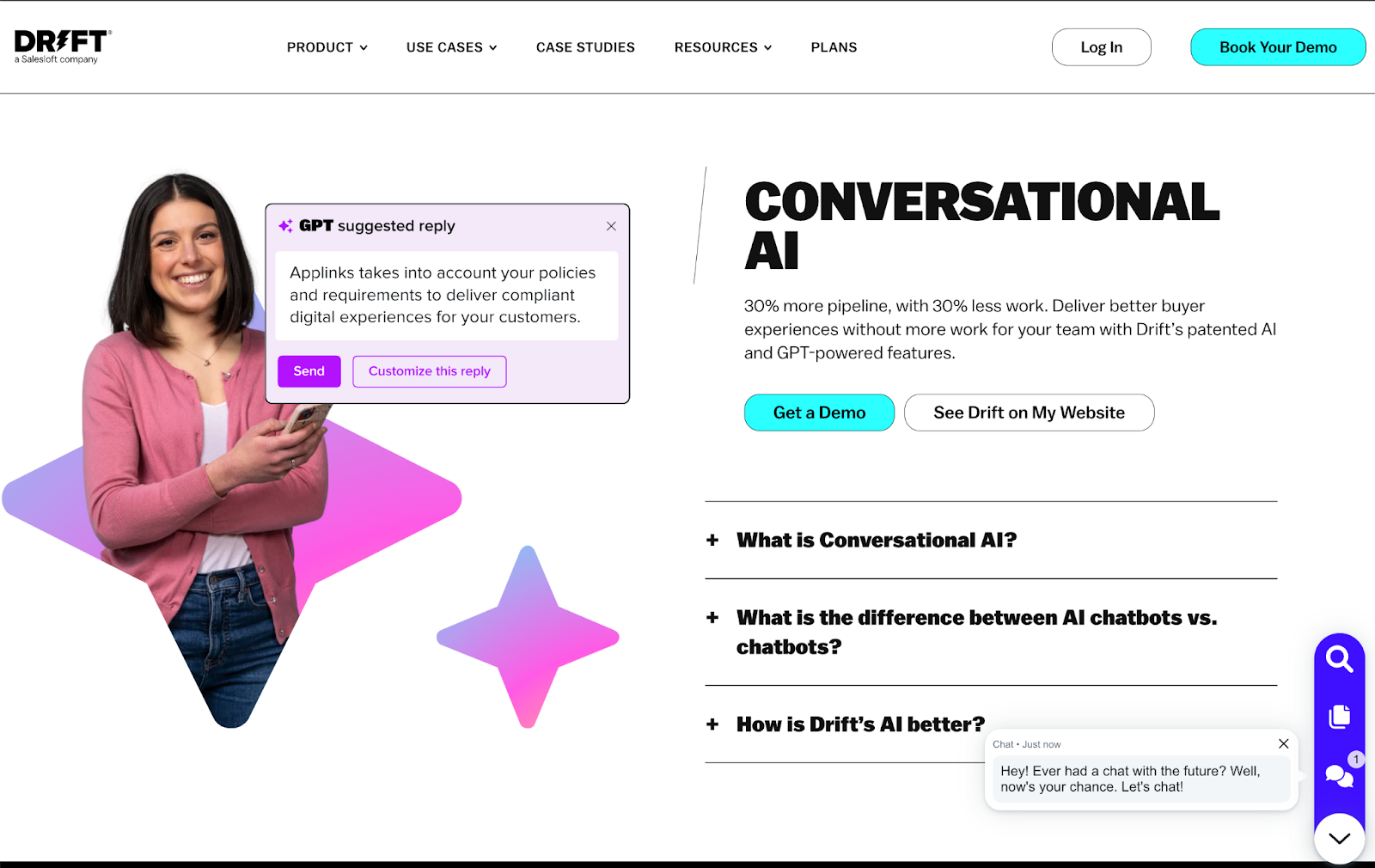
Drift positions its AI chatbot as a conversational marketing tool first and a support tool second, built for real-time chat between businesses and customers. It uses AI to qualify leads, handle routine support questions, and keep visitors engaged on a website or messaging platform.
Top Features
- Real-Time Conversations: Engages visitors instantly, providing immediate responses to queries.
- Lead Qualification: Identifies and qualifies leads through interactive conversations, helping sales teams focus on high-potential prospects.
- Personalization: Customizes interactions based on user behavior and preferences, enhancing the customer experience.
- Integrations: Connects with various CRM and marketing tools to keep workflows and data in sync.
- Meeting Scheduling: Allows users to book meetings directly through the chat interface, simplifying the process for both customers and sales teams.
- Analytics and Insights: Provides detailed analytics on user interactions, helping businesses optimize their strategies.
Best Uses
- Lead Generation: Capturing and qualifying leads through engaging conversations.
- Customer Support: Offering instant assistance to resolve customer inquiries and issues.
- Sales Engagement: Guiding potential customers through the sales funnel and facilitating meetings.
- Website Interaction: Enhancing user experience by providing immediate support and information.
Drift fits businesses that want their website chat to qualify leads and handle routine support in the same tool.
9. Pi
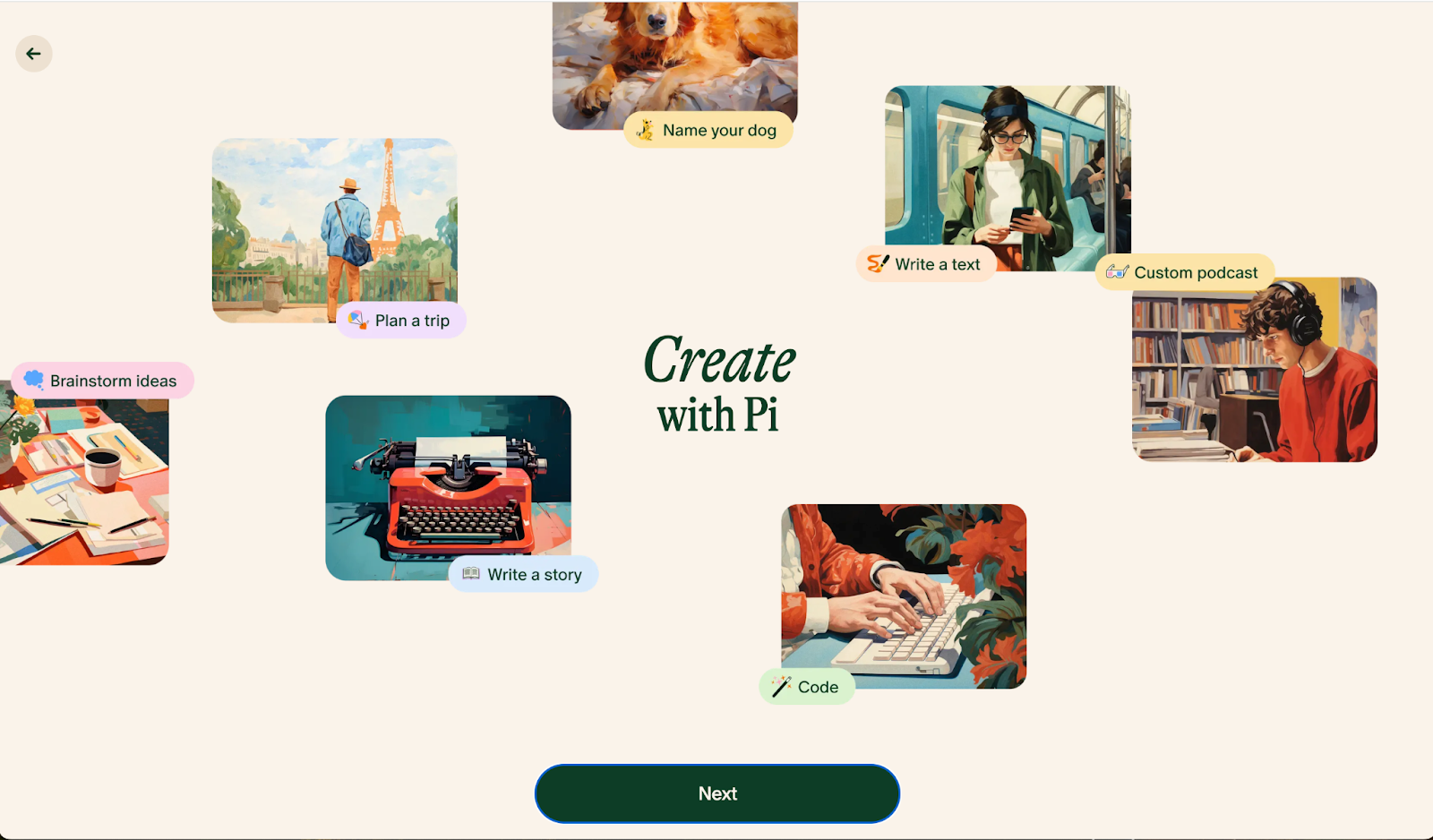
Pi leans into a different design goal than most chatbots on this list: conversation that feels supportive rather than purely functional. It tracks context across a conversation and responds to emotional cues, which suits casual or personal use more than technical tasks.
Top Features
- Conversational Depth: Pi can engage in multi-turn conversations, maintaining context and coherence over longer interactions.
- Personalization: It learns user preferences and adapts responses accordingly, enhancing the overall experience.
- Emotional Understanding: The chatbot is designed to recognize and respond to emotional cues, aiming for interactions that feel more empathetic than transactional.
- Wide Range of Topics: Capable of discussing a variety of subjects, from casual chat to specific inquiries.
- User-Friendly Interface: Designed for easy interaction, whether through text or voice.
- Integration Capabilities: Can be integrated into different platforms, allowing for versatile use cases.
Best Uses
- Personal Assistance: Helping users manage tasks, set reminders, and find information quickly.
- Companionship: Engaging users in friendly conversation, offering emotional support and companionship.
- Learning Tool: Assisting users in educational contexts by providing explanations and resources.
Pi fits users who want a conversational partner that responds with some warmth, not just factual answers.
10. Poe
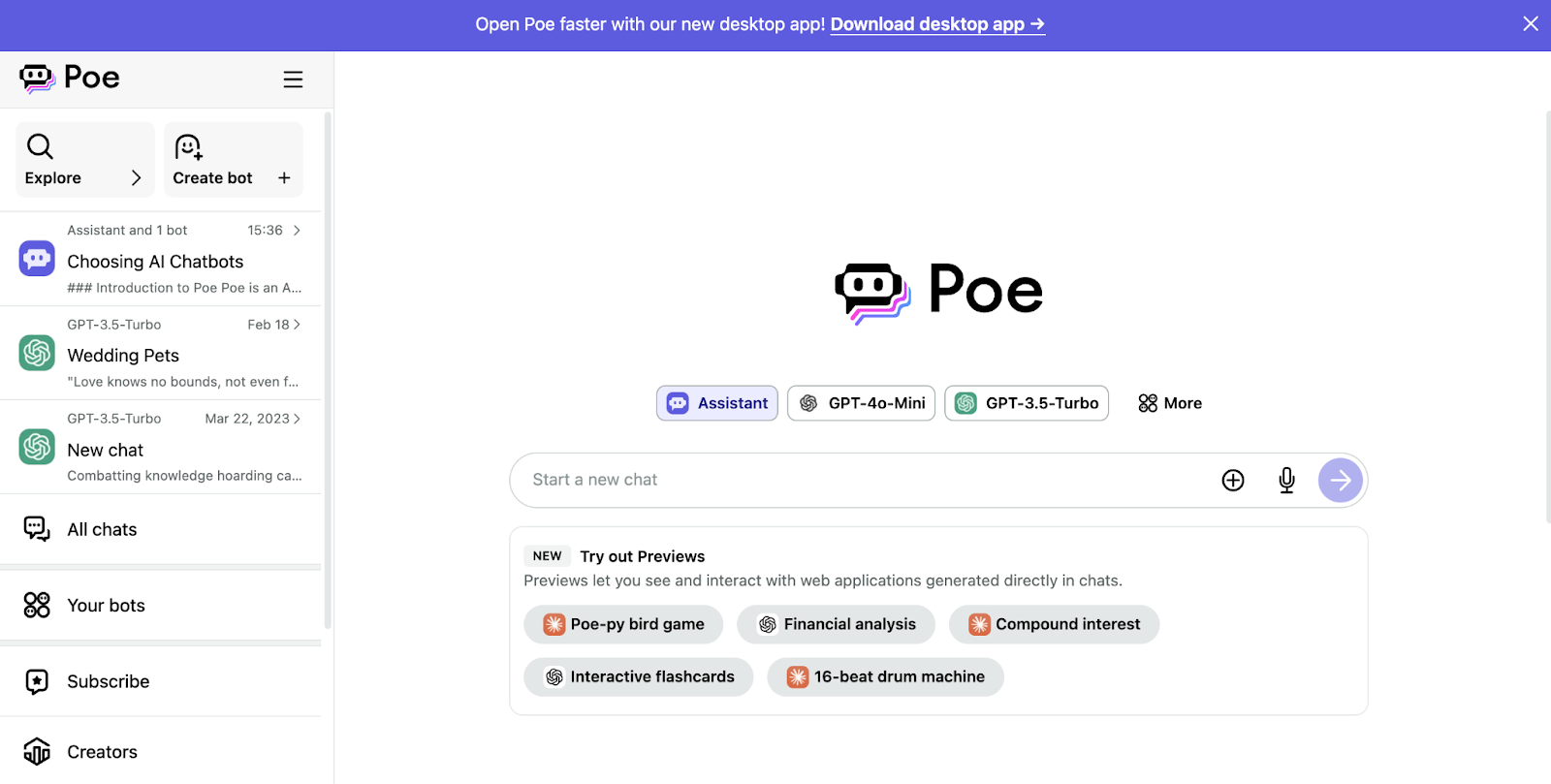
Poe, from Quora, is not a single chatbot but a platform for reaching several different AI models from one interface. That makes it useful for comparing how different models answer the same question, instead of juggling several separate chatbot accounts.
Top Features
- Multiple AI Models: Users can interact with different AI models, each specializing in various types of responses and tasks.
- User-Friendly Interface: Designed for easy navigation, so starting a conversation takes no setup.
- Real-Time Responses: Provides instant answers to queries, enhancing engagement and user satisfaction.
- Exploratory Conversations: Encourages users to ask follow-up questions and go further into topics of interest.
- Community Interaction: Users can share their experiences and insights with others exploring the same topics.
- Diverse Topic Coverage: Capable of discussing a wide range of subjects, from casual inquiries to complex topics.
Best Uses
- Information Gathering: Quickly obtaining answers to questions across various fields.
- Learning and Exploration: Engaging in discussions that facilitate understanding and exploration of new ideas.
- Creative Brainstorming: Assisting in generating ideas for projects, writing, or problem-solving.
- Casual Chat: Providing a platform for friendly conversations and engagement.
Poe is best suited for users looking for a versatile and interactive AI experience that supports both learning and casual engagement.
11. KoalaChat
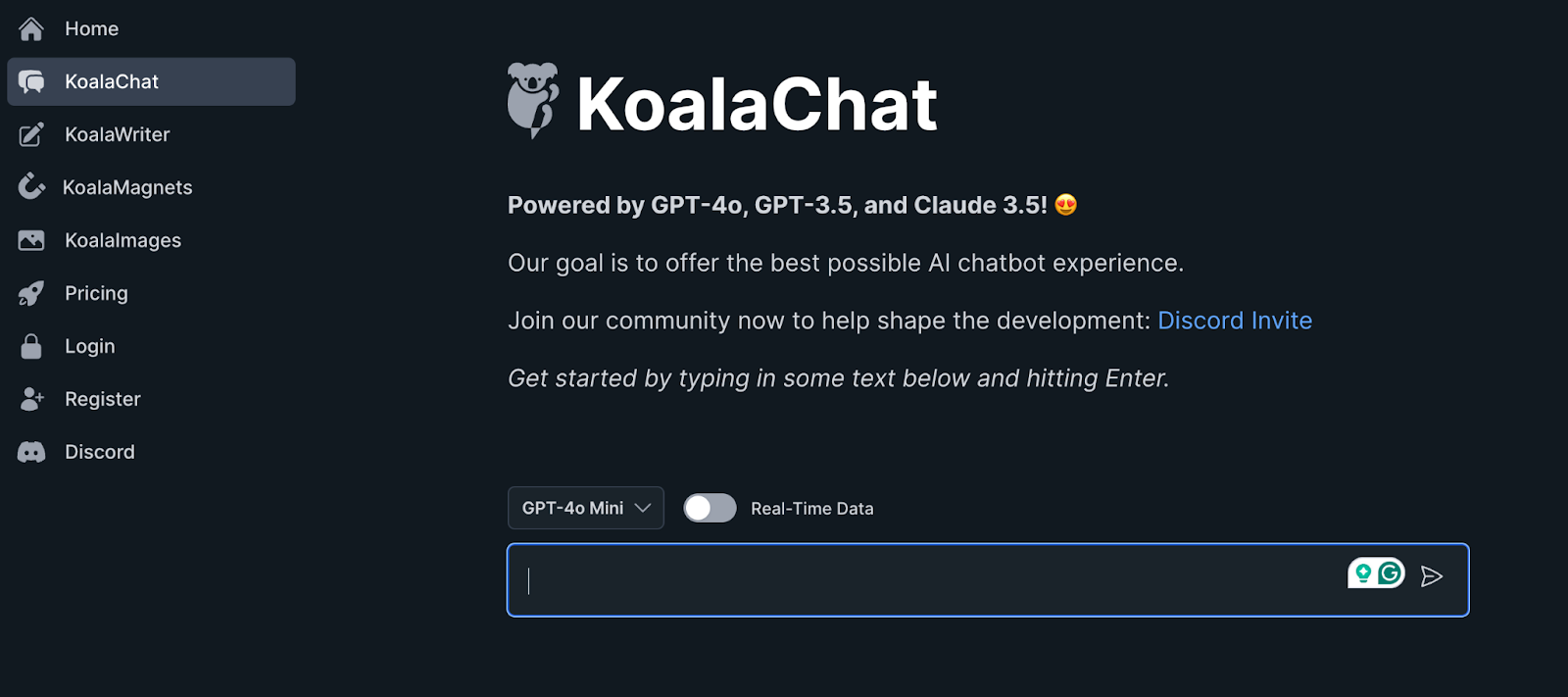
KoalaChat keeps its interface simple rather than feature-heavy, prioritizing an easy, approachable conversation over an extensive feature set. It works across a wide range of topics and adapts to a user's preferences over repeated interactions.
Top Features
- User-Centric Design: Offers an easy-to-navigate interface that enhances user experience.
- Contextual Awareness: Maintains the context of conversations, allowing for coherent multi-turn interactions.
- Personalization: Adapts responses based on user preferences and past interactions.
- Wide Topic Range: Capable of discussing various subjects, from casual topics to more specialized inquiries.
- Learning Assistance: Provides explanations and resources, making it useful for educational purposes.
- Emotional Intelligence: Recognizes and responds to emotional cues, enhancing user connection.
Best Uses
- Customer Support: Assisting with inquiries and providing quick solutions.
- Personal Assistance: Helping with tasks, reminders, and information retrieval.
- Learning Tool: Offering explanations and resources for educational topics.
- Casual Conversation: Engaging users in friendly and relaxed discussions.
KoalaChat is best for users seeking an interactive and supportive AI experience that combines information with a personal touch.
Share
12. YouChat
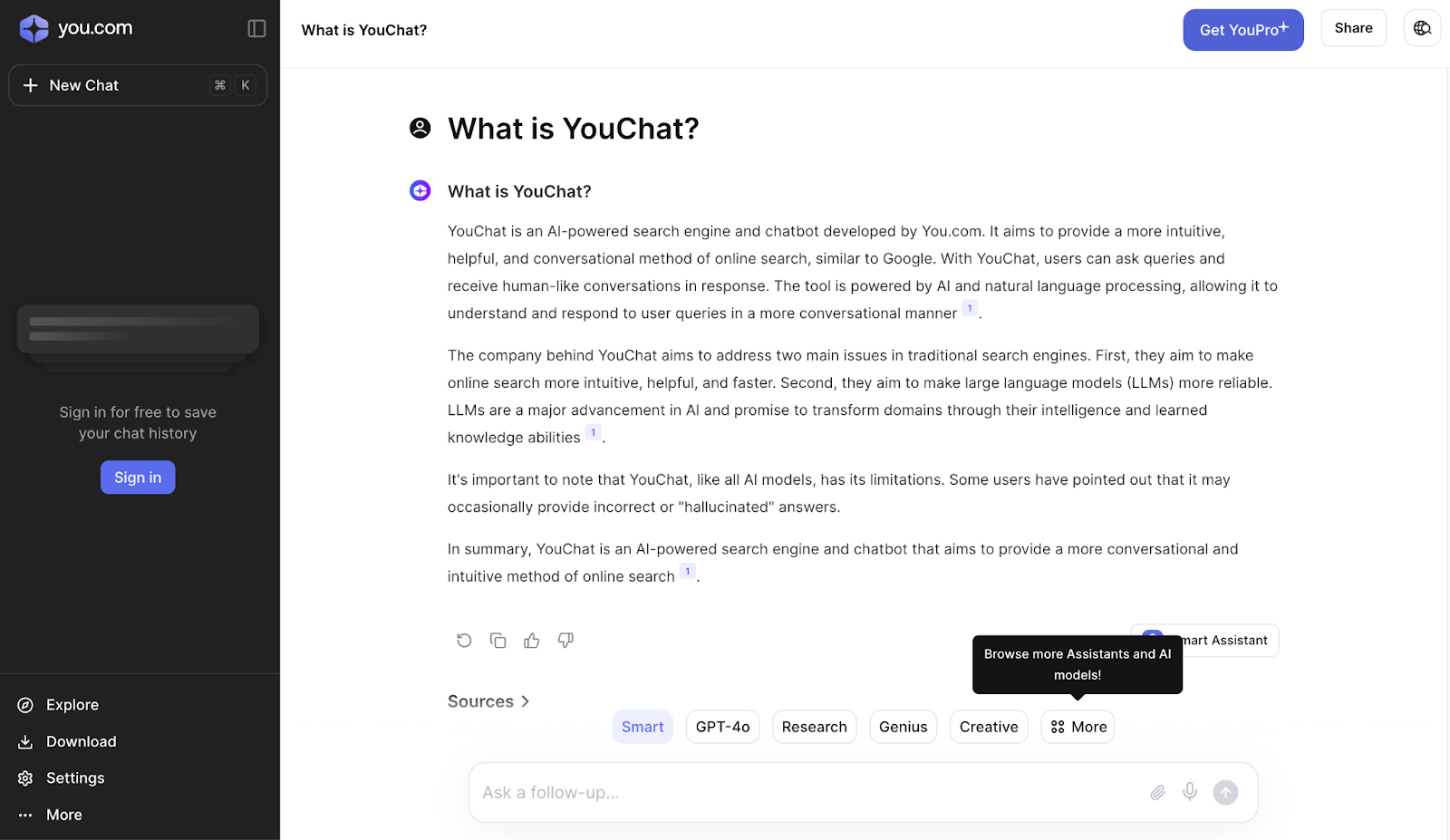
YouChat is the chat layer built into the You.com search engine, so search results and conversation happen in the same place instead of two separate tools. It aims to help users find information and complete tasks without leaving the search page.
Top Features
- Natural Language Processing: Understands and responds to queries in a conversational manner, making interactions feel intuitive.
- Integrated Search Capabilities: Combines chat functionality with powerful search tools to provide relevant information quickly.
- Personalization: Learns user preferences over time to tailor responses and suggestions.
- Wide Range of Topics: Capable of discussing various subjects, from general knowledge to specific inquiries.
- Interactive Experience: Encourages follow-up questions and deeper engagement on topics of interest.
- User-Friendly Interface: Designed for ease of use, allowing for straightforward interactions.
Best Uses
- Information Retrieval: Quickly obtaining answers to a wide array of questions.
- Research Assistance: Helping users gather information for projects or studies.
- Creative Brainstorming: Assisting users in generating ideas and content.
- Casual Engagement: Providing a platform for friendly, informal conversations.
YouChat is best suited for users looking for an interactive and efficient way to search for information while enjoying engaging conversations with an AI assistant.
.jpg)
.jpg)