Best Intranet Software Platforms & Solution Providers - Top 10 Picks in 2025

Most internal knowledge ends up scattered across email threads, chat channels, and shared drives, which is the exact gap intranet software is built to close. An intranet platform gives teams a centralized hub for sharing information, resources, and tools instead of hunting across five different apps.
This post compares the 10 intranet software platforms and tools worth evaluating in 2025, based on functionality, user experience, and integration capabilities, so you can match a platform to your organization’s actual needs rather than a generic feature checklist.
What is an Intranet Software Platform?
An intranet software platform is a private, internal network used by organizations to facilitate communication, collaboration, and information sharing among employees. It serves as a centralized hub where users can access important resources, documents, and tools, enhancing productivity and keeping teams aligned on the same information. It is the single source of truth for your company internal knowledge and information.
Key Features of Intranet Software Platforms:
- Document Management: Easy storage, retrieval, and sharing of files and documents.
- Communication Tools: Features like messaging, forums, and announcements to enhance internal communication.
- Collaboration Spaces: Areas for teams to work together on projects, share updates, and provide feedback.
- Search Functionality: Search capabilities to quickly find relevant information across the platform.
- Integration: Ability to connect with other business tools and software, such as CRM systems and project management applications.
- Customization: Options to tailor the interface and features to meet specific organizational needs.
By providing a cohesive environment for information exchange, intranet software platforms help improve employee engagement and support a culture of collaboration within organizations.
Best Intranet Software Solutions - Top 10 Picks
#1 Microsoft SharePoint
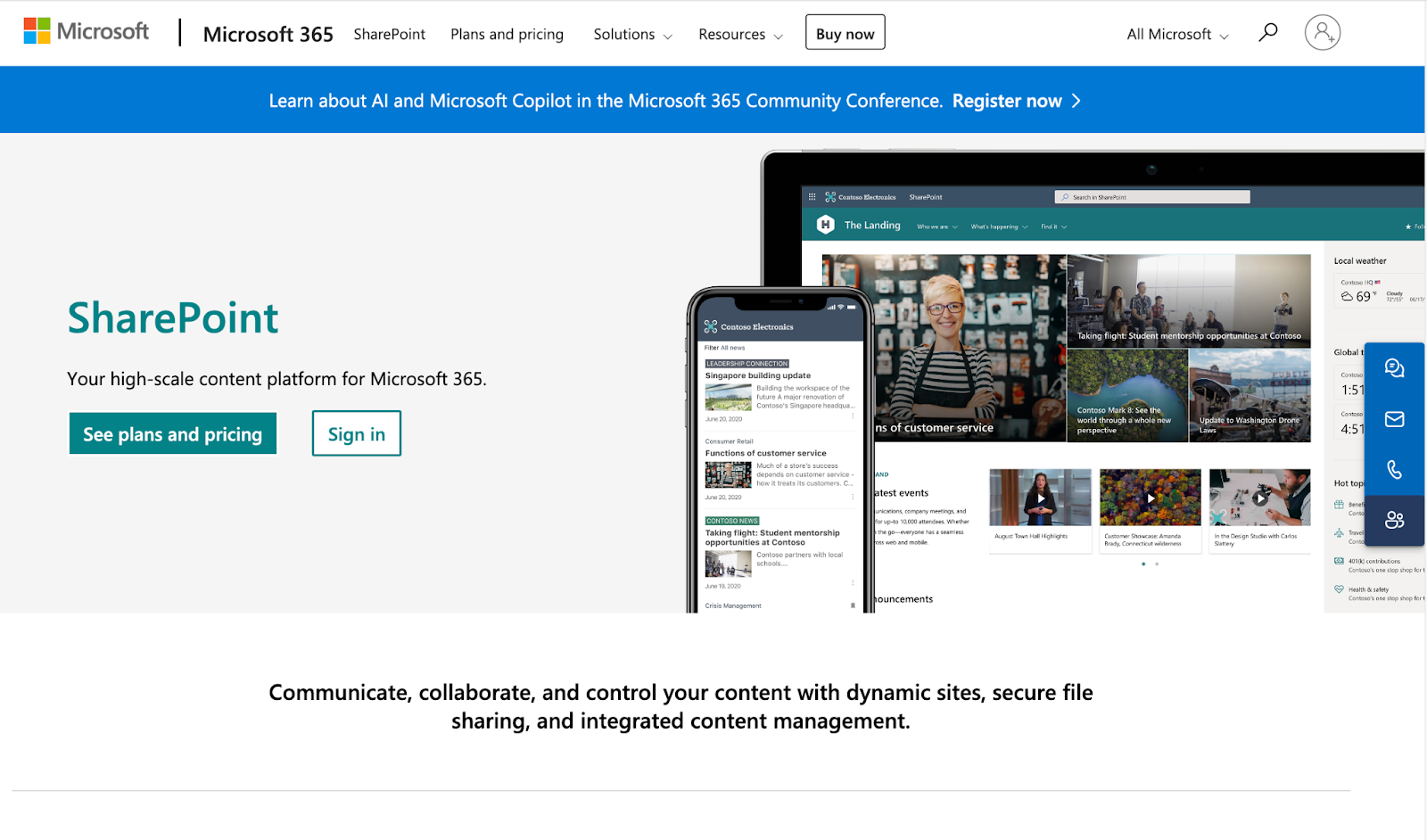
Microsoft SharePoint can be effectively used as an intranet by providing a centralized platform for communication, collaboration, and information management within organizations.
Key Features:
- Document Management: Securely store, share, and collaborate on files with version control and access permissions.
- Team Sites: Create customized sites for different departments or projects, enhancing organization and accessibility.
- Integration with Microsoft 365: Connect with tools like Teams, Outlook, and OneDrive.
- Search Functionality: Find documents and information across the intranet.
- Collaboration Tools: Facilitate teamwork through discussion boards, calendars, and real-time editing of documents.
- Workflows and Automation: Automate processes to improve efficiency and reduce manual tasks.
- Security and Compliance: Security features to protect sensitive information and ensure compliance with regulations.
SharePoint’s strength is depth: if your company already runs on Microsoft 365, the intranet layer comes essentially built in, using the same permissions your files already have.
#2 Kipwise
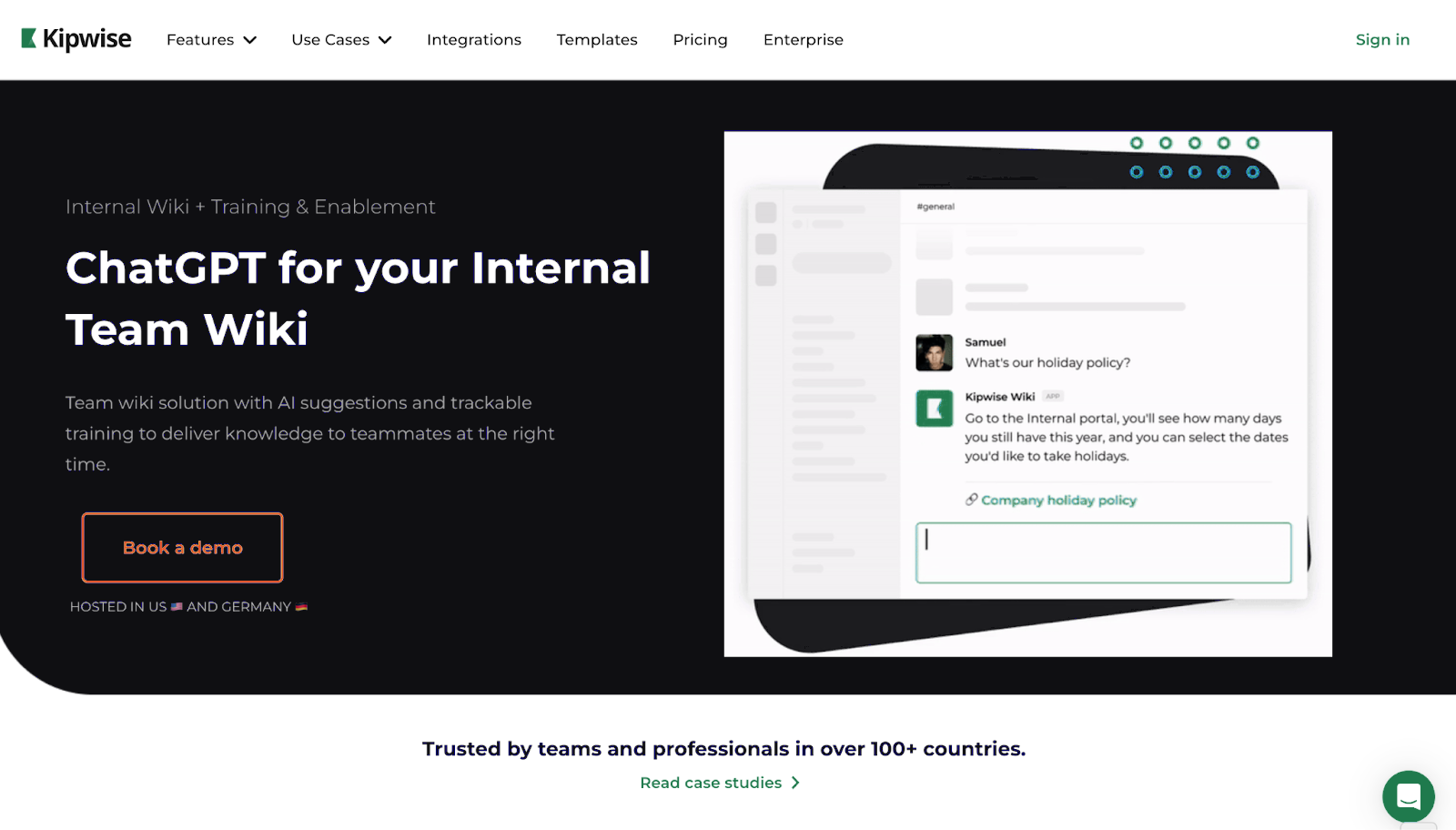
Kipwise serves as an effective intranet solution by centralizing company knowledge and enhancing team collaboration. It allows organizations to create a structured team knowledge base that is both accessible and easy to use.
Key Features:
- Team Wiki: Build a centralized team wiki for internal knowledge, making it easy for employees to find and share information.
- AI Knowledge Suggestions: Automatically deliver relevant knowledge based on user queries, reducing the need for manual searches.
- Built-in Workflows: Encourage collaboration through processes like content reviews, internal Q&A, and mandatory reads to keep information up-to-date.
- Integrations: Connect with tools like Slack, Google Drive, and Dropbox.
- Real-Time Collaboration: Teams can edit documents simultaneously, enhancing teamwork and efficiency.
- Templates: Utilize predefined templates for standard operating procedures, onboarding, and more to save time and ensure consistency.
- Unified Search: Access all company content from a single search across various sources.
Kipwise leans toward the knowledge-base side of intranet software: less social feed, more a searchable wiki that surfaces the right page before someone has to ask in Slack.
#3 Confluence
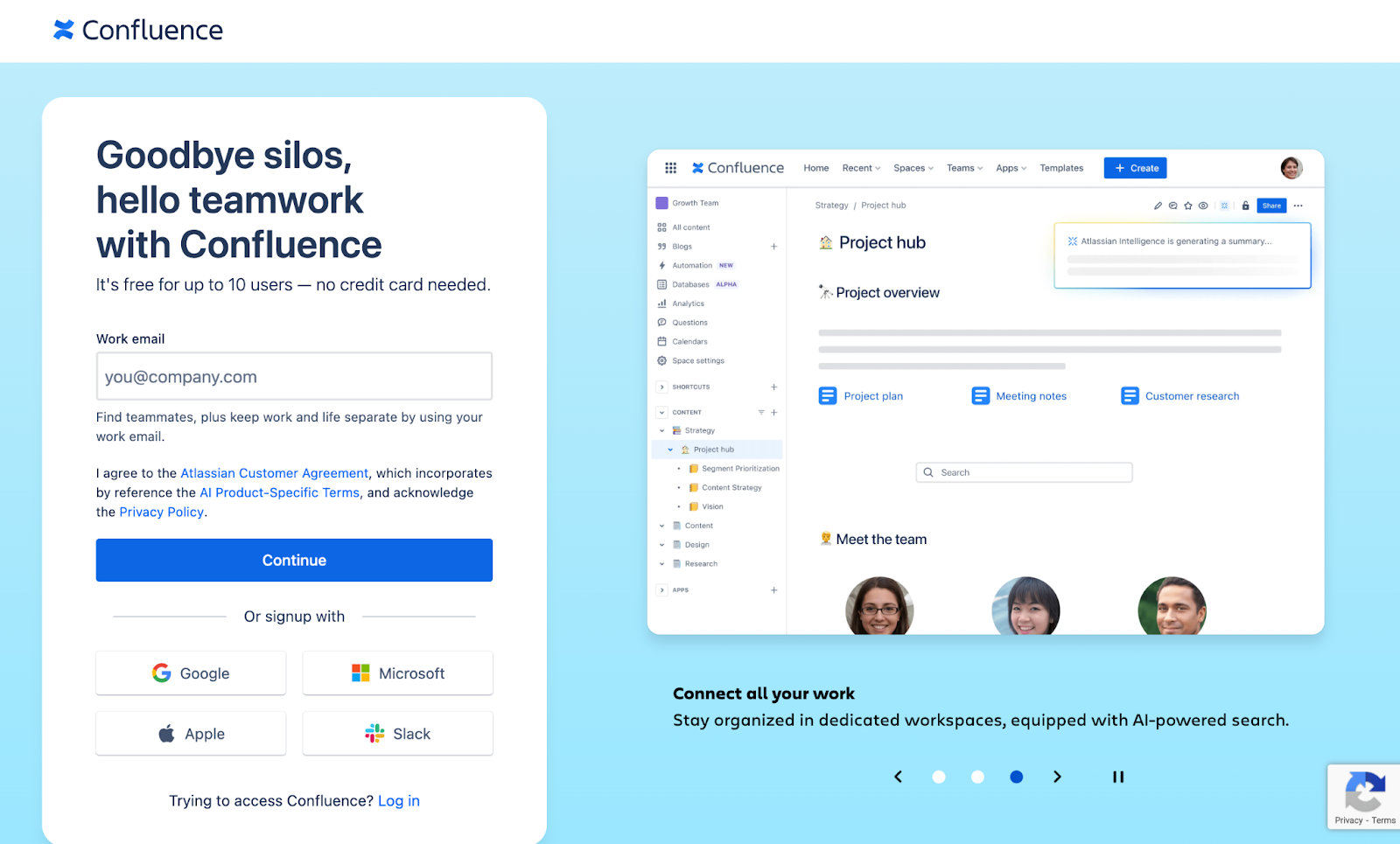
Confluence is an intranet tool that helps organizations create a centralized knowledge base and enhance team collaboration. It serves as a space for sharing information, managing projects, and supporting communication within teams.
Key Features:
- Collaborative Spaces: Create dedicated spaces for different teams or projects, allowing for organized document sharing and collaboration.
- Rich Content Creation: Create and format documents, including text, images, and multimedia, with a built-in editor.
- Templates: Access templates for meeting notes, project plans, and documentation.
- Integration with Other Tools: Connect with other Atlassian products, like Jira, and third-party apps.
- Version Control: Track changes and maintain a history of document edits, ensuring that teams can revert to previous versions if needed.
- Search Functionality: Quickly find information across the entire intranet using advanced search features.
- Permissions and Security: Control access to spaces and pages, ensuring sensitive information is only available to authorized users.
Confluence’s edge shows up if your engineering team already lives in Jira: documentation and issues sit in the same place, with full version history on every page.
#4 Workvivo
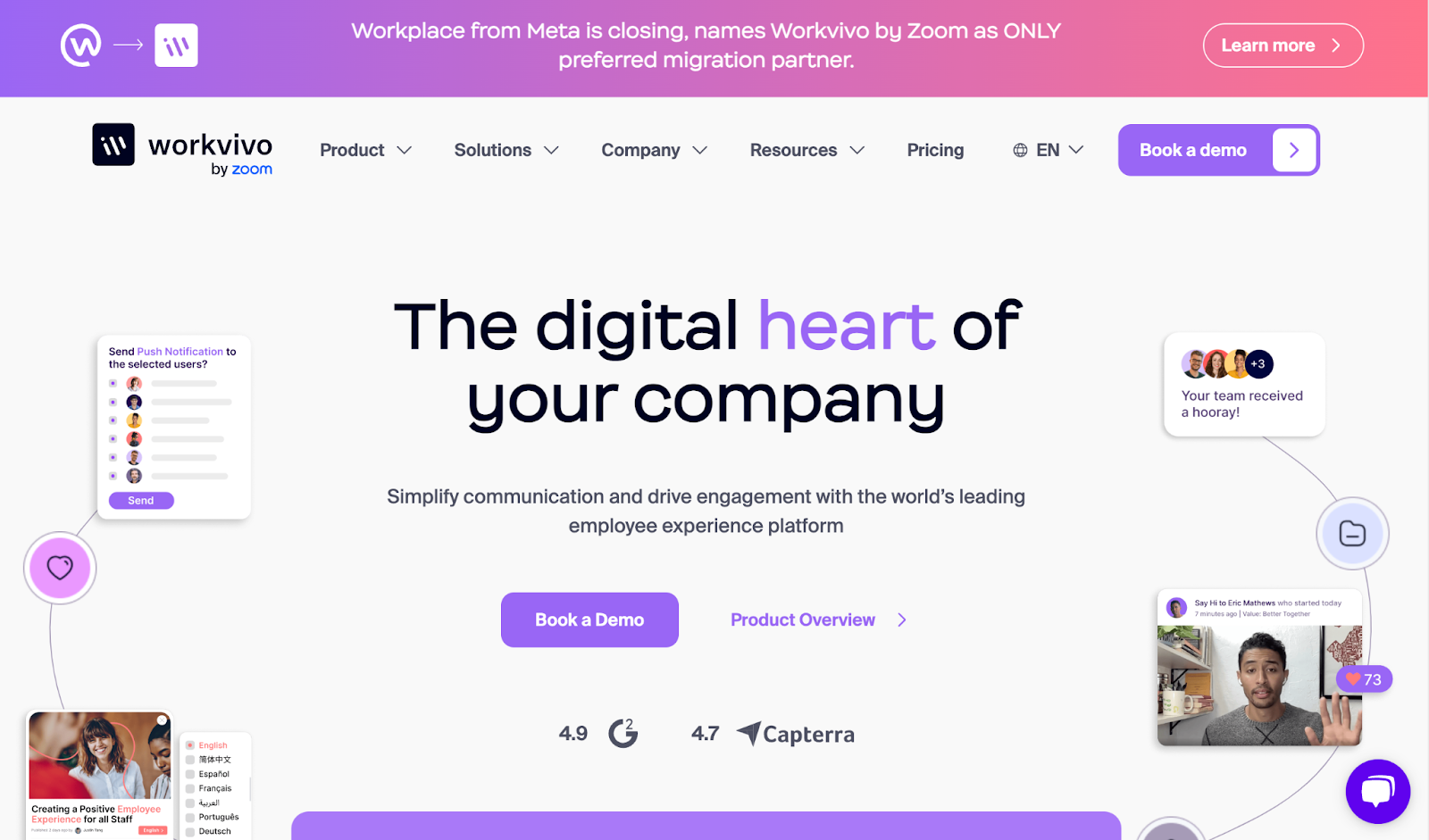
Workvivo is an employee communication and engagement platform that functions as an effective intranet solution, promoting connection and collaboration within organizations.
Key Features:
- Social Collaboration: Build community with social feeds, posts, and interactions that encourage employee engagement.
- Content Sharing: Easily share important updates, news, and announcements across the organization to keep everyone informed.
- Integrated Tools: Connect with existing applications and tools, like HR systems and project management software.
- Employee Recognition: Promote a culture of recognition through features that allow team members to celebrate achievements and milestones.
- Mobile Accessibility: Access the intranet from any device, ensuring employees can stay connected and informed on the go.
- Knowledge Base: Centralize important resources and documents, making it easy for employees to find and share information.
- Surveys and Feedback: Gather employee insights through surveys and polls, helping to inform decision-making and improve the workplace experience.
Workvivo reads less like a document store and more like an internal social network, built around recognition and engagement rather than a wiki structure.
#5 Notion
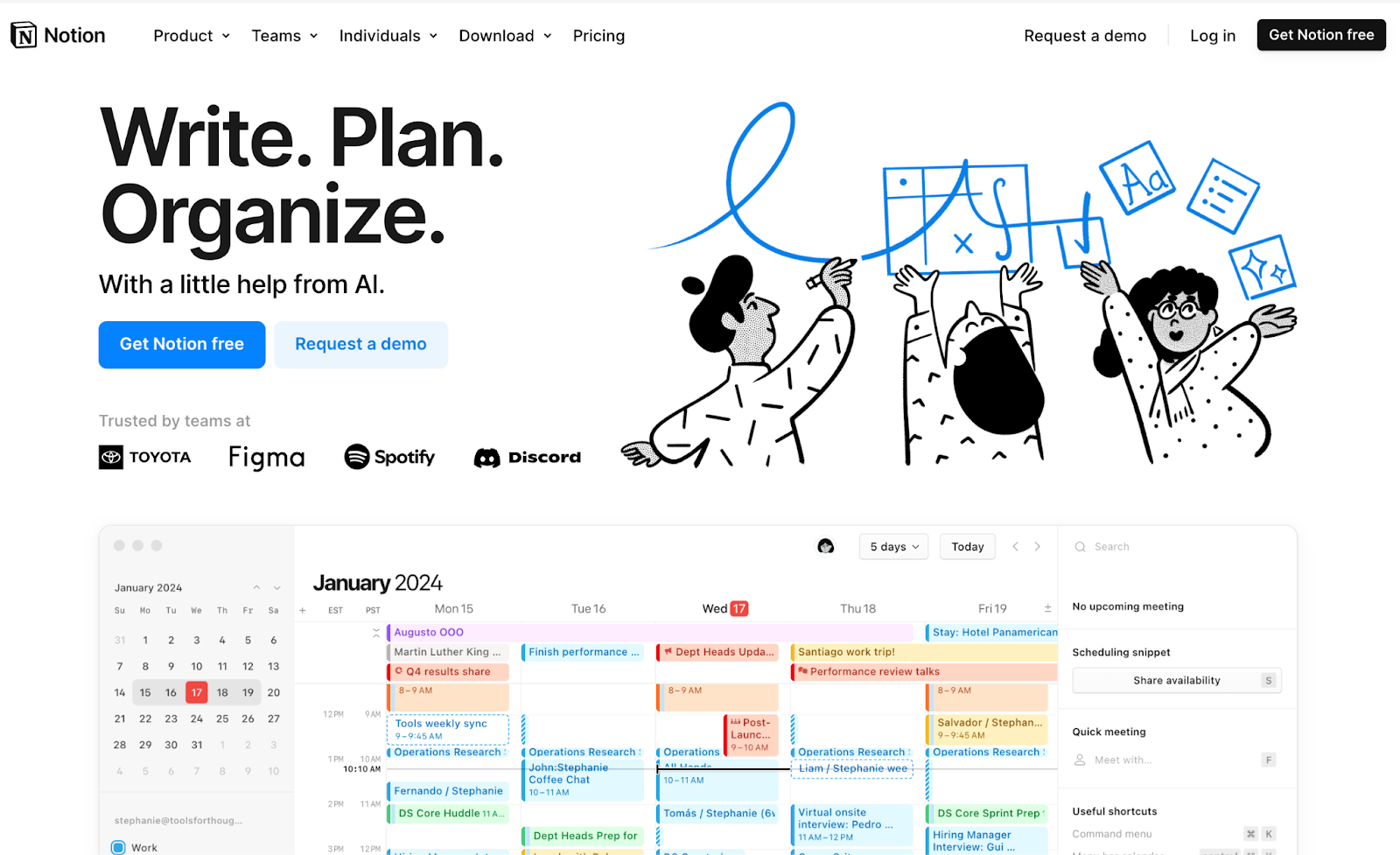
Notion is a flexible and user-friendly tool that can serve as an effective intranet for organizations by centralizing information and enhancing team collaboration.
Key Features:
- Customizable Workspaces: Create tailored pages and databases for teams, projects, or topics, allowing for organized and accessible information.
- Rich Content Creation: Use various content types, including text, images, tables, and embedded media, to create visually appealing and informative pages.
- Templates: Pre-built templates for meeting notes, project management, and documentation.
- Real-Time Collaboration: Enable teams to collaborate simultaneously on documents, with real-time updates and comments for effective communication.
- Database Functionality: Organize information in databases for tasks, wikis, and knowledge bases, with filtering and sorting options.
- Integration Capabilities: Connect with other tools and apps, enhancing workflows and information sharing across platforms.
- Search and Organization: Find and navigate content using a search feature and hierarchical structure.
Notion’s tradeoff is flexibility for structure: it can become almost any kind of internal tool, but someone has to design that intranet rather than adopt one out of the box.
#6 Igloo
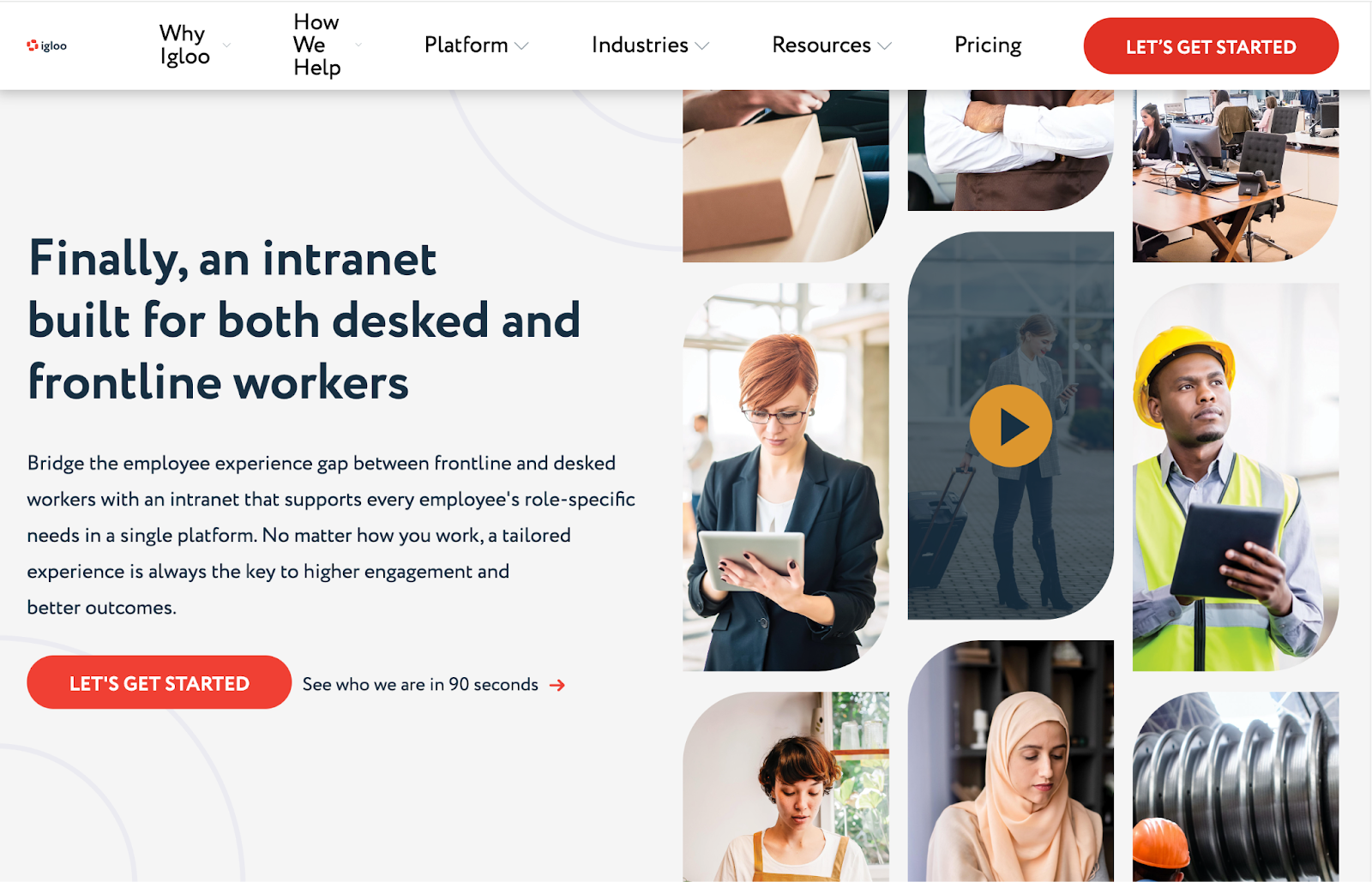
Igloo is a cloud-based intranet solution designed to enhance communication, collaboration, and knowledge sharing within organizations.
Key Features:
- Customizable Interface: Create branded intranet sites tailored to your organization’s needs, with various layouts and themes.
- Document Management: Store, share, and collaborate on documents securely, with version control to track changes.
- Team Collaboration Spaces: Set up dedicated spaces for teams to collaborate on projects, share updates, and manage tasks.
- Social Features: Build engagement through blogs, forums, and social feeds that encourage interaction among employees.
- Integration Capabilities: Connect with other tools and applications, like Google Drive and Microsoft 365.
- Search Functionality: Locate documents, people, and content across the intranet.
- Analytics and Reporting: Monitor user engagement and content performance to optimize the intranet experience.
Igloo’s customizable branding and layouts suit organizations that want the intranet to look like their own product, not a generic template.
#7 Jive
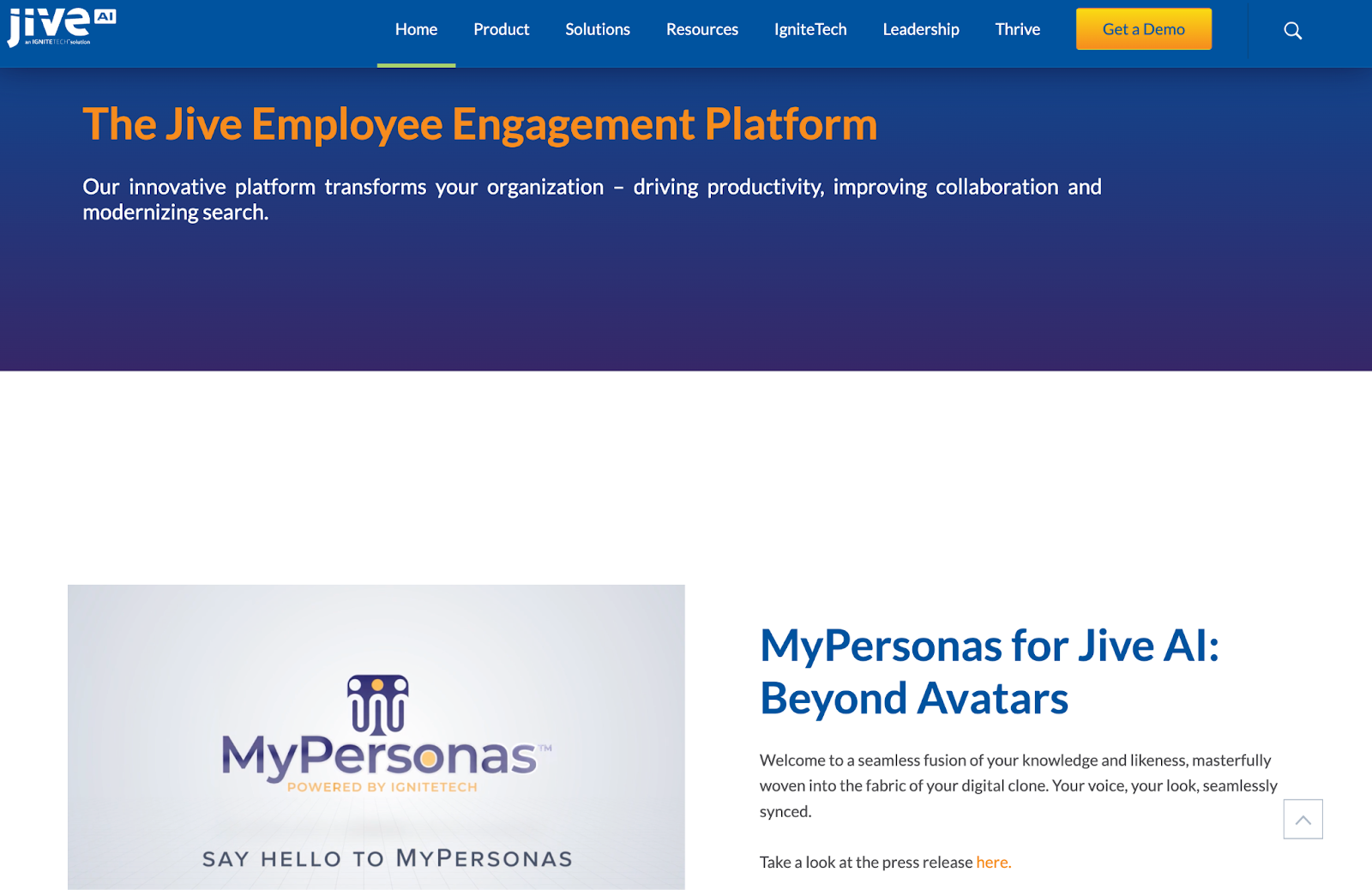
Jive is a collaboration and communication platform that functions as an intranet solution, combining team connectivity with knowledge sharing.
Key Features:
- Social Networking: Create a social environment where employees can connect, share updates, and engage through discussions and comments.
- Content Management: Organize and manage documents, resources, and project information in a centralized repository for easy access.
- Customizable Workspaces: Set up tailored spaces for different teams or projects, allowing for focused collaboration and information sharing.
- Advanced Search Functionality: Find relevant content, people, and discussions.
- Integration with Tools: Connect with existing business applications, like CRM and project management tools.
- Analytics and Reporting: Track user engagement and content performance to gain insights and improve the intranet experience.
- Mobile Access: Ensure employees can access the intranet from any device, promoting connectivity and collaboration on the go.
Jive combines a social layer with document management, aimed at organizations that want engagement metrics alongside the knowledge base itself.
#8 Happeo
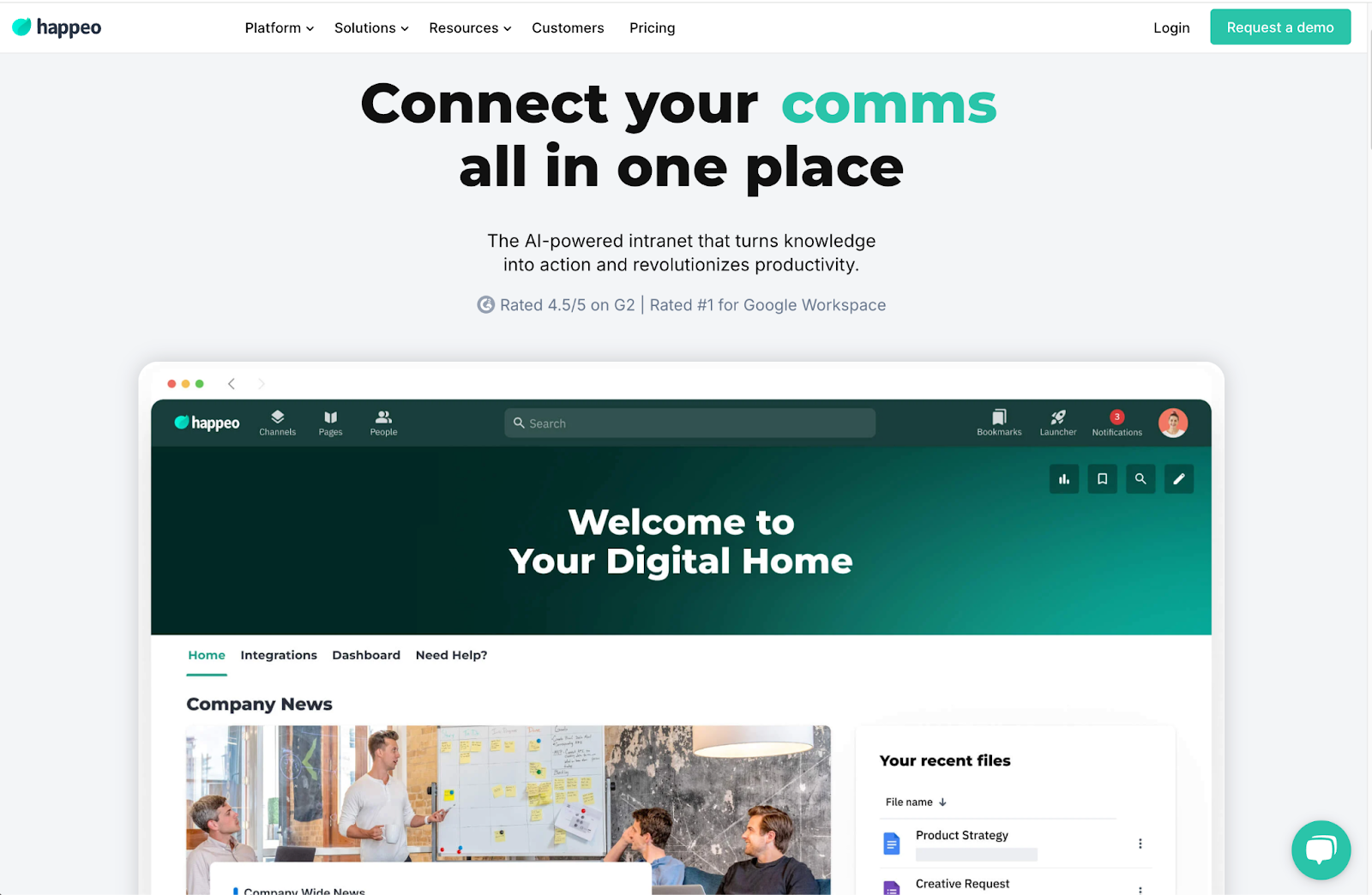
Happeo is a modern intranet solution designed to enhance communication, collaboration, and knowledge sharing within organizations.
Key Features:
- Integrated Collaboration: Combine intranet features with collaboration tools like Google Workspace for shared documents and teamwork in one place.
- Customizable Pages: Create tailored landing pages and content hubs for teams or projects, allowing for organized and relevant information access.
- Social Engagement: Build community through social feeds, employee recognition, and interactive features.
- Knowledge Base: Centralize company resources, documents, and training materials, making it easy for employees to find and share information.
- Search Functionality: Utilize an advanced search feature to quickly locate content across the intranet and connected tools.
- Mobile Accessibility: Access the intranet on any device, ensuring employees can stay connected and informed anytime, anywhere.
- Analytics and Insights: Monitor user engagement and content effectiveness to continuously improve the intranet experience.
Happeo is built around Google Workspace, so teams already living in Gmail and Drive get the closest integration without extra setup.
#9 Jostle
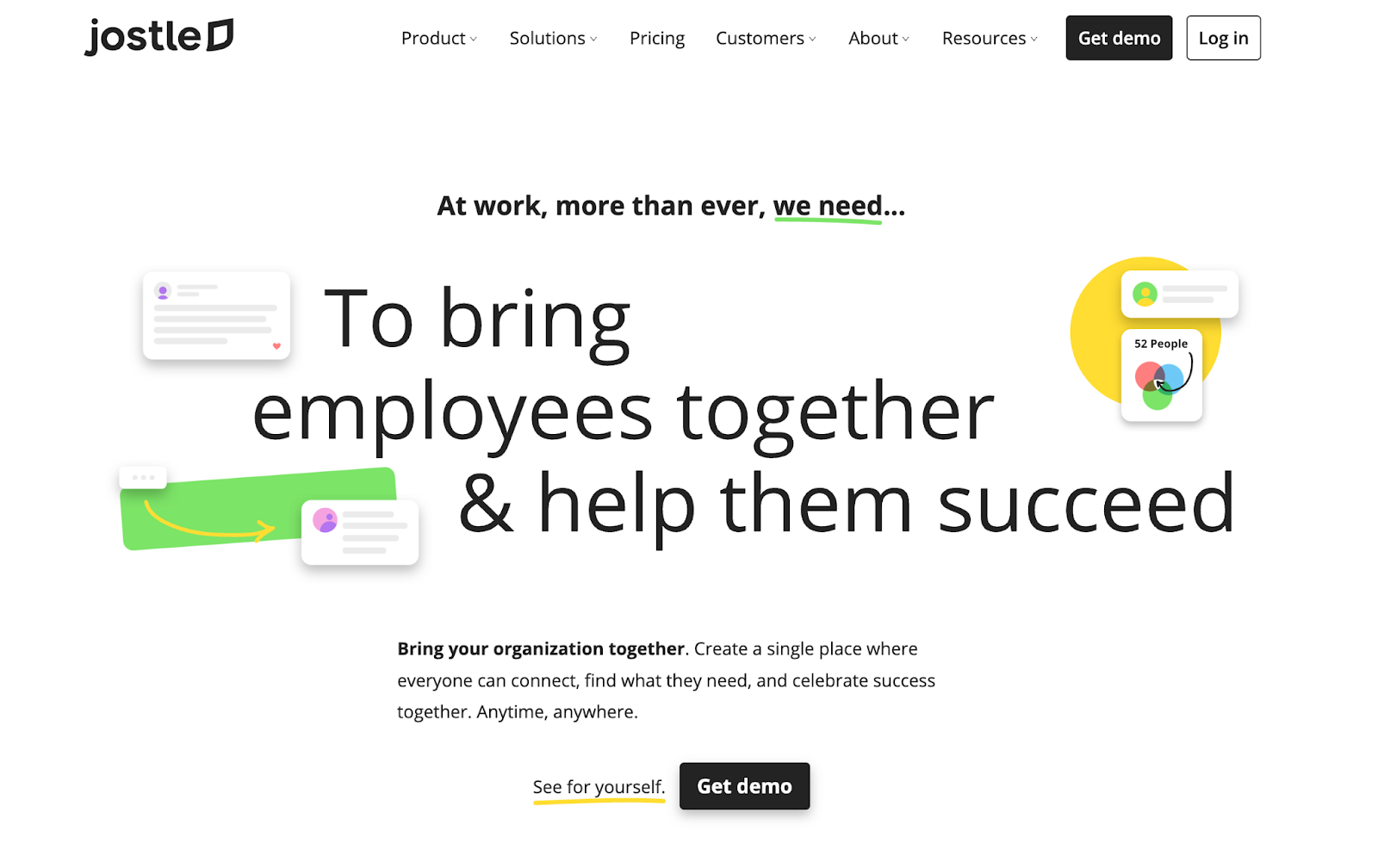
Jostle is an intranet platform designed to improve employee engagement, communication, and collaboration within organizations.
Key Features:
- Employee Directory: A searchable directory that helps employees connect with one another, enhancing networking and collaboration.
- News and Announcements: Share important updates and company news in a centralized feed to keep everyone informed and engaged.
- Content Management: Organize and share documents, policies, and resources in an easily accessible format, ensuring employees have the information they need.
- Collaboration Tools: Facilitate teamwork through project spaces, discussion boards, and shared calendars.
- User-Friendly Interface: An intuitive design that makes navigation easy for all employees, promoting widespread adoption.
- Mobile Access: Ensure employees can access the intranet from any device, allowing for connectivity and engagement on the go.
- Analytics and Feedback: Track user engagement and gather feedback to improve the intranet experience and address employee needs.
Jostle keeps the feature set simple: an employee directory and a news feed rather than a full document management system, which suits smaller teams that don’t need the extra complexity.
#10 LumApps
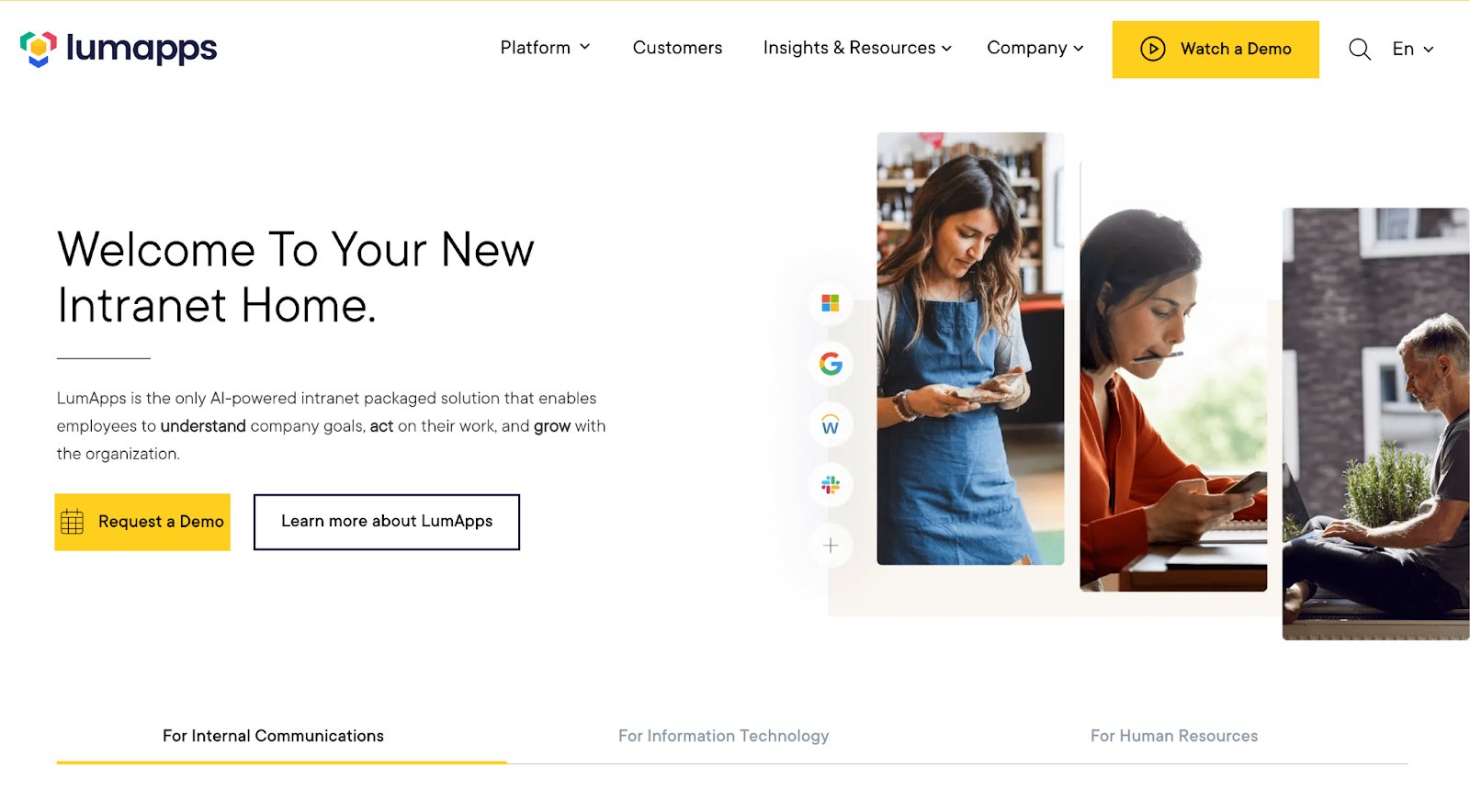
LumApps is an intranet platform designed to enhance communication, collaboration, and knowledge sharing within organizations.
Key Features:
- Personalized Dashboards: Create customized homepages for different user roles, ensuring relevant content is easily accessible.
- Integration with Google Workspace: Connect with Google tools for document sharing and collaboration.
- Content Management: Organize and distribute company news, policies, and resources in a centralized repository for easy access.
- Social Collaboration: Build engagement through social feeds, discussions, and employee recognition features.
- Advanced Search Functionality: Find information across the intranet and integrated tools.
- Mobile Accessibility: Access the intranet from any device, ensuring employees can stay informed and connected on the go.
- Analytics and Insights: Monitor user engagement and content performance to optimize the intranet experience and improve communication strategies.
LumApps stands out for per-role dashboards: different teams can see a different homepage by default, rather than everyone landing on the same generic feed.
What Factors to Consider When Choosing an Intranet Software Tool?
When choosing an intranet collaboration tool, several key factors should be considered to ensure it meets the needs of your organization:
1. User Experience
- Intuitive Interface: Look for a user-friendly design that simplifies navigation for all employees.
- Accessibility: Ensure the platform is accessible on various devices, including mobile and desktop.
2. Features and Functionality
- Document Management: Check for file storage, sharing, and version control capabilities.
- Collaboration Tools: Evaluate features like forums, chat, and project management tools that facilitate teamwork.
3. Integration Capabilities
- Third-Party Integrations: Consider whether the tool can integrate with existing systems, like CRM or HR software.
- APIs: Look for options that allow for custom integrations as needed.
4. Customization and Flexibility
- Branding Options: Ensure the platform allows for customization to reflect your organization’s branding.
- Scalability: Choose a tool that can grow with your organization and adapt to changing needs.
5. Security and Compliance
- Data Protection: Investigate the security measures in place to protect sensitive information.
- Compliance Features: Ensure the tool meets industry-specific regulatory requirements.
6. Cost and Budget
- Pricing Structure: Consider the overall cost, including subscription fees, implementation costs, and potential add-ons.
- Value for Money: Assess whether the features offered justify the investment.
7. Support and Training
- Customer Support: Evaluate the availability and responsiveness of customer support services.
- Training Resources: Check for training materials or onboarding assistance to help users get accustomed to the platform.
8. Feedback and Reviews
- User Feedback: Look for reviews and testimonials from other organizations to gauge satisfaction and effectiveness.
- Case Studies: Examine case studies to understand how similar organizations have benefited from the tool.
These factors matter, but the one that kills most intranet rollouts isn’t on this list: whether anyone owns keeping the content current after launch. A platform with every feature above still turns into an abandoned homepage if nobody is responsible for updating it once the rollout excitement fades, so weigh who will maintain it as heavily as what it can do.
.jpg)
.jpg)