How to Keep New Leads from Going Cold in Slack Without Hiring a Sales Ops VA
If your company already lives in Slack, inbound leads rarely feel cold there first. The form submission lands in HubSpot or a sheet. The awkward first email sits in someone's drafts. The founder often finds out when a prospect replies to a competitor or when the weekly pipeline review shows untouched records.
Slack-first teams hire a sales ops VA, coordinator, or online secretary for that gap. In the 27 September 2026 hire-a-person research, posters used "speed to lead" as a need phrase and "leads that go cold" as a dropped-work pain, next to CRM and data-entry work in about 31% of Slack team-chat hire posts and chasing or follow-up work in about 56%. The useful move is usually earlier than a full hire: put the repetitive watch-assign-draft part in Slack first.
This guide is for operations leaders and founders who want a speed-to-lead digest and human-approved first-touch loop in Slack. Another CRM dashboard that nobody opens on time will not fix the first-response gap.
Why new leads go cold outside Slack
Three clocks usually disagree:
- CRM truth lives in HubSpot, Pipedrive, a sheet, or a form tool.
- Team attention lives in Slack channels, DMs, and whatever ping happens to be on screen.
- First-response work lives in one person's memory until the lead is already cold.
Harvard Business Review's March 2011 study still frames the risk clearly as historical research, not as Kipwise telemetry: an audit of 2,241 U.S. companies found an average response time of 42 hours among firms that replied within 30 days, 23% never responded, and firms that tried contact within an hour were nearly seven times as likely to qualify a lead as those that waited another hour. Treat those figures as durable research about delay cost, not as your 2026 conversion rate.
Integration Atlas's 2026 HubSpot-to-Slack Zapier guide describes the smaller-team failure mode in practitioner language: reps checked the CRM every 30 minutes, missed hot pricing-page leads, then moved notifications into Slack and added a delayed reminder when no activity was logged within two hours. That is an author how-to report about a familiar pattern, not measured Kipwise customer data.
Native Slack tools help memory. They do not read CRM create times. Slack reminders and scheduled recurring messages can post "check new leads" into a channel. They cannot tell you which contact is 47 minutes old with no owner and no logged activity.
What "before you hire" should automate
Hire posts describe people who:
- watch new inbound leads as they arrive,
- assign or chase an owner,
- draft a first touch,
- escalate when silence continues,
- keep the founder from personally policing every form fill.
A Slack agent can take the repetitive slice of that job if it:
- reads only CRM or sheet records the requesting user can already access,
- cites the source lead or contact record,
- refuses to invent email, phone, company, or "already contacted" status,
- posts a speed-to-lead card for human approval,
- treats prospect-visible sends as explicit actions.
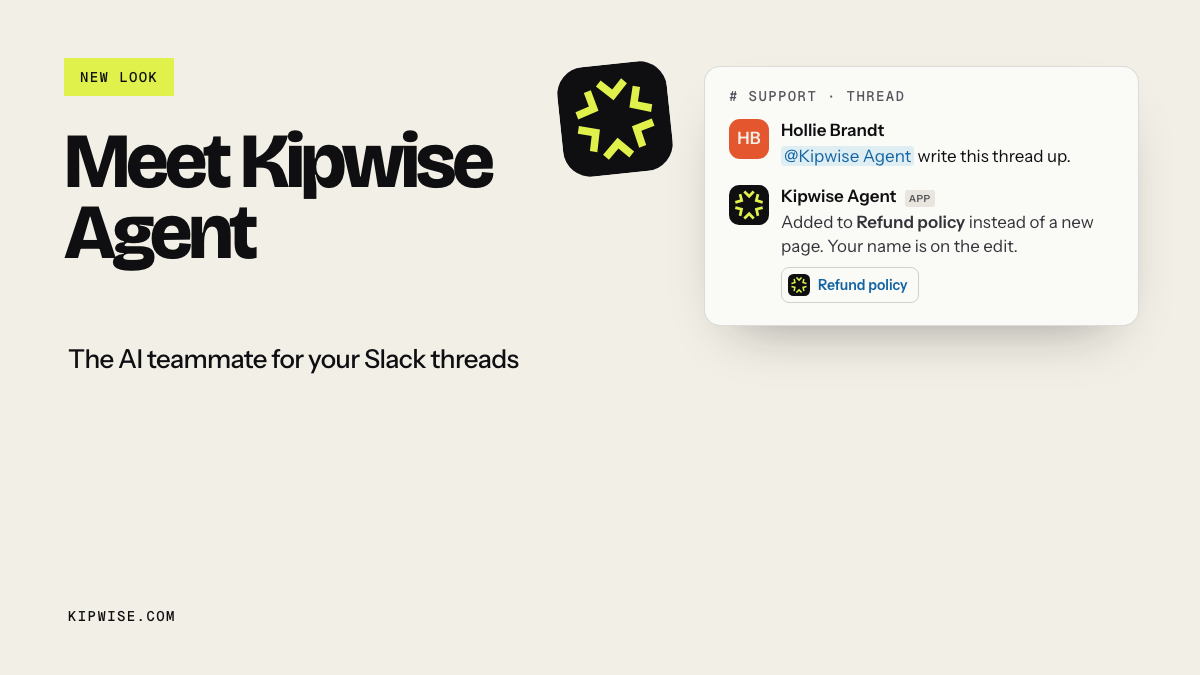
That matches how Slack's agent design guidance expects agents to show progress and confirm before consequential steps, and how Kipwise Agent frames scheduled requests and explicit sensitive actions in threads.
Vendor products like Merit AI and Rivetline sell Slack-connected speed-to-lead or AI SDR loops that respond or call within seconds or minutes. Treat those claims as competitor positioning. For a non-technical ops buyer, a narrower Kipwise-shaped loop is enough: surface untouched leads with citations, draft the first touch, and keep humans on send and phone.
This is not CRM hygiene, open-loop chase, or client-request ownership
Nearby Kipwise topics solve different jobs:
- CRM hygiene logging keeps HubSpot fields and notes clean from Slack; it does not watch first-response SLA on newly created leads.
- Open-loop chasing after a known ask is follow-up ops, not inbound create-time detection.
- Client Slack Connect ownership cards catch unowned asks in shared channels; they do not read HubSpot lead age.
- Action-item extraction turns talk into tasks; it does not enforce inbound lead SLAs.
- Overdue invoice chase reads QuickBooks or Stripe aging; it collects cash, not pipeline.
Speed-to-lead starts the clock at CRM create or form submit. The risk is a cold prospect. The hire is often a sales ops VA who watches the queue so nothing falls through the cracks.
What a good speed-to-lead card contains
Keep the Slack card plain and complete:
- lead name and company as stored in the source system,
- source or form name when present,
- age since create (and age since last activity if known),
- owner if assigned, or an explicit owner gap,
- last logged activity summary when the source exposes one,
- a short proposed first-touch draft,
- links or record IDs the human can open,
- an explicit approve / edit / reject path.
What it should not do:
- invent a phone number or email when the CRM field is blank,
- mark the lead contacted because someone discussed it in Slack,
- auto-send the first email or SMS,
- reassign ownership without approval,
- pretend a create ping alone means the SLA was met.
Slack CRM and Sales Cloud in Slack can bring alerts and conversational updates into the workspace. Collaboration helps, and teams still need a hire-shaped untouched-lead digest with refuse-to-guess drafts and an approval gate.
Build the watch-draft-approve loop
Use a loop your ops lead can explain in one channel thread:
- Watch. On a short schedule, or when a teammate mentions the agent, read newly created or untouched leads the requester can access.
- Draft. Build one card per breached or near-breach lead with citations and a first-touch draft.
- Approve. Post in the sales or ops channel thread. A human edits tone, picks the owner, and approves the send.
- Act only after approval. Send the email, log the touch, or assign the owner only as an explicit step.
- Escalate silence. If the card ages without approval or the CRM still shows no activity, nudge the channel again with the same citations.
Slack Workflow Builder and workflow automation can cover simple notify paths. Integration Atlas's n8n guide shows practitioners adding webhook speed and a second reminder when no HubSpot activity appears. Those patterns are the skeleton. The agent still has to read permissioned records, refuse gaps, and keep the consequential send human.
A worked sales-ops example
Imagine a 22-person services firm on Slack and HubSpot. Inbound demo requests hit a pricing form at odd hours. Today the pattern is:
- HubSpot gets the contact.
- Someone may or may not see a native Slack create ping.
- If the assigned rep is in meetings, the lead waits.
- The founder eventually asks, "Who took the Acme form fill?"
With a before-you-hire loop:
- Every 15 minutes during business hours, the agent lists contacts created in the last two hours with no logged sales activity the requester can see.
- For each row it posts a card: "Acme Co / demo form / 38 minutes old / owner: none / proposed first touch below / source: HubSpot contact 123."
- If email is blank, the card says "email missing in source" instead of guessing.
- A coordinator approves the draft, assigns the rep, and only then sends.
- If the card sits untouched for 30 more minutes, the same thread gets an escalation with the same citations.
The hire may still happen later for phone qualification, complex pricing judgment, or CRM cleanup. The repetitive watch-and-draft slice no longer depends on founder memory.
Native Slack AI is not the same loop
Slack AI features help people catch up on channels and summarize threads. That reduces scroll. It does not:
- query HubSpot for create timestamps and activity gaps,
- compute an inbound SLA breach,
- draft a source-cited first touch tied to a CRM record,
- require approval before a prospect-visible send.
A create notification from Slack CRM or a Zapier/n8n ping is closer, and it still usually stops at "new lead arrived." The hire-shaped failure is the next hour: nobody owned it, nobody sent anything, and the channel moved on. Speed-to-lead automation has to close that gap with untouched-lead escalation, not only arrival noise.
Underrepresented constraints that change the design
These constraints show up less often in generic "Slack + HubSpot notification" posts, and they should change your build:
- A create ping is not a speed-to-lead system; the hire-shaped gap is untouched-lead escalation with age, owner gap, and an approve-to-send draft. Many guides stop when the Slack message posts. Ops buyers hire people because leads still go cold after the ping. Design for that untouched escalation, not only for arrival alerts.
- Missing fields beat confident wrong contact data; if HubSpot has no email or a partial phone, the card should say the field is missing instead of guessing. Inventing a contact path so the workflow looks complete creates worse sales and compliance risk than a visible gap.
- Phone and judgment stay human; keep the agent on watch, draft, and reminder, and keep humans on live qualification and any call. Hire-a-person research lists phone calls as the top "cannot" for agents. Pricing exceptions stay human too.
Skip the notify-only widget if the ops problem is still untouched leads after the ping.
Failure modes to design for
- Polling delay. Some free iPaaS plans poll every few minutes. If your SLA is five minutes, measure real lag; do not assume the ping is instant.
- Duplicate cards. Retries and overlapping schedules can post the same lead twice. Key cards by CRM record ID and SLA window.
- False "touched" status. A Slack mention is not a logged CRM activity. Only trust the source system fields the agent actually read.
- After-hours pileups. Weekend form fills can flood Monday. Batch digests with clear age sorting beat twenty separate panic pings.
- Over-automation. Auto-send without approval recreates the fear that makes teams hire a cautious coordinator in the first place.
Pilot checklist for one week
Run a thin pilot before you hire:
- Pick one inbound source (for example pricing demo form) and one Slack channel.
- Define SLA targets: surface within X minutes, first human touch within Y minutes during business hours.
- Connect only the CRM views the pilot owner can already access.
- Require approval for every prospect-visible send.
- Track: leads surfaced inside SLA, cards approved, false-contact blocks, auto-sends blocked, founder chase mentions removed.
- Keep phone outreach and hard qualification on humans.
- Review Friday: which steps still need a person, and which were pure watch-and-draft.
If the pilot removes the repetitive queue watching, you may still hire later for phone and judgment. You will hire with a clearer scope.
Before you hire the sales ops VA
Hire when you need a human for calls, pricing judgment, messy CRM exceptions, or relationship nuance. Automate first when the pain is "new leads land in HubSpot while first response dies in Slack memory."
Put the repetitive part in Slack: permissioned reads, cited speed-to-lead cards, refuse-to-guess contact fields, human-approved first touches, and untouched escalations. Inbound stops falling through the cracks on that slice, and a bot still does not replace every sales-ops hour.
References
- HBR: The Short Life of Online Sales Leads
- Slack: Salesforce in Slack / CRM
- Salesforce: Sales Cloud in Slack
- HubSpot Marketplace: Slack
- Integration Atlas: HubSpot new lead notifications to Slack with Zapier (2026)
- Integration Atlas: HubSpot new contacts to Slack with n8n (2026)
- Merit AI
- Rivetline: AI lead response and speed to lead
- Slack Help: Set a reminder
- Slack Help: Schedule recurring messages
- Slack Workflow Automation
- Slack Help: Guide to Workflow Builder
- Slack Help: Guide to AI features in Slack
- Slack Developer Docs: Agent design
- Kipwise Agent